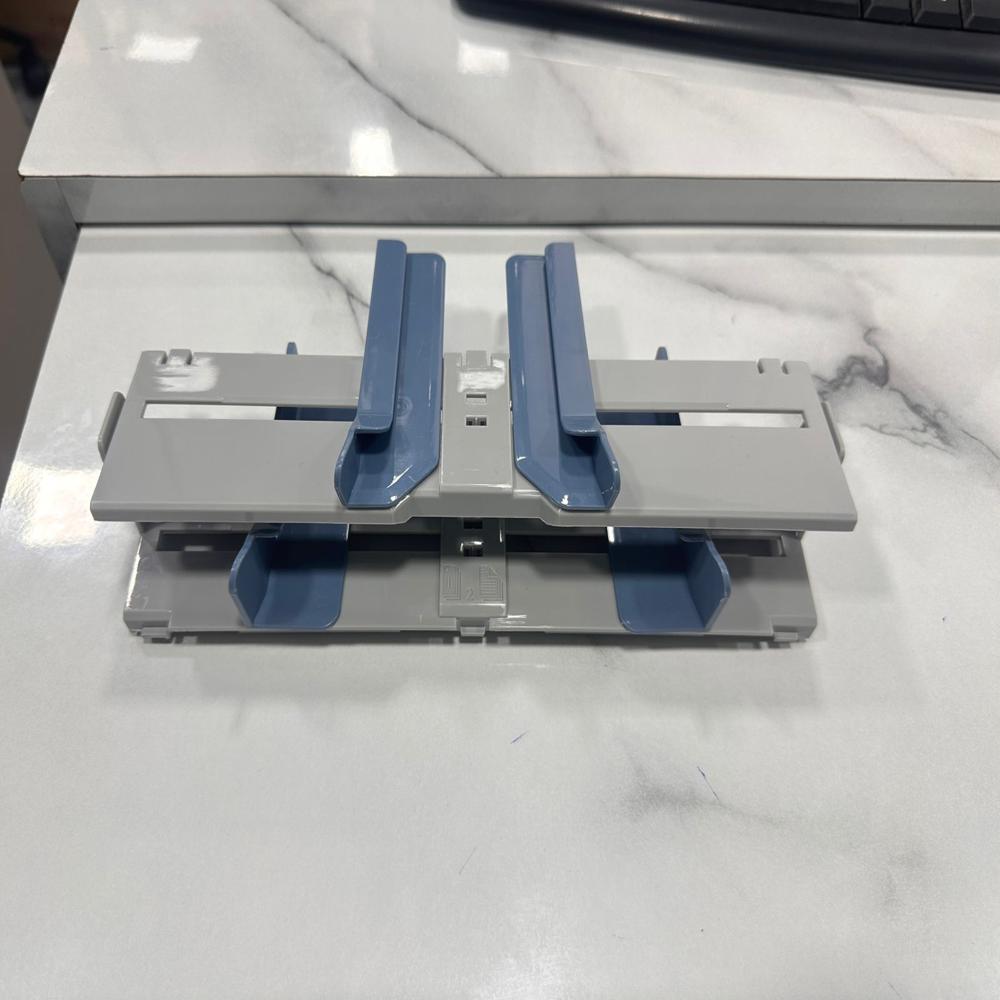
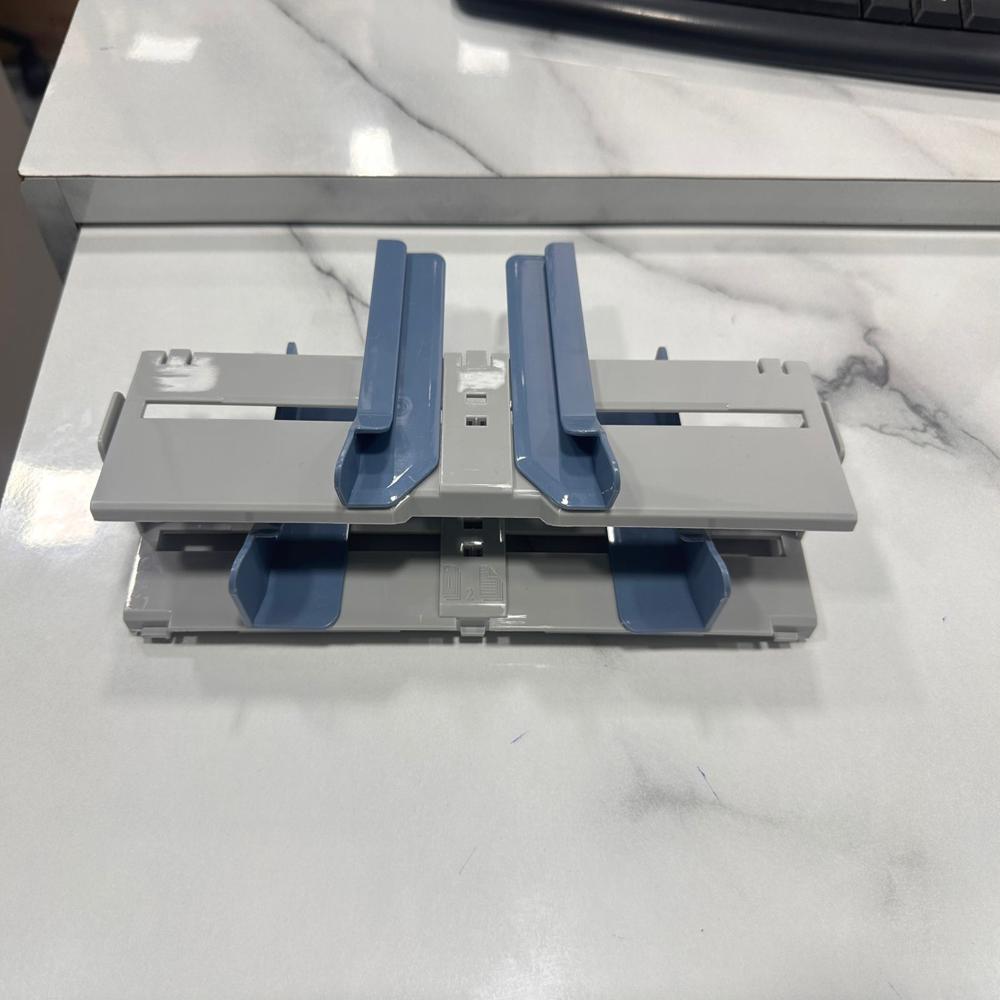
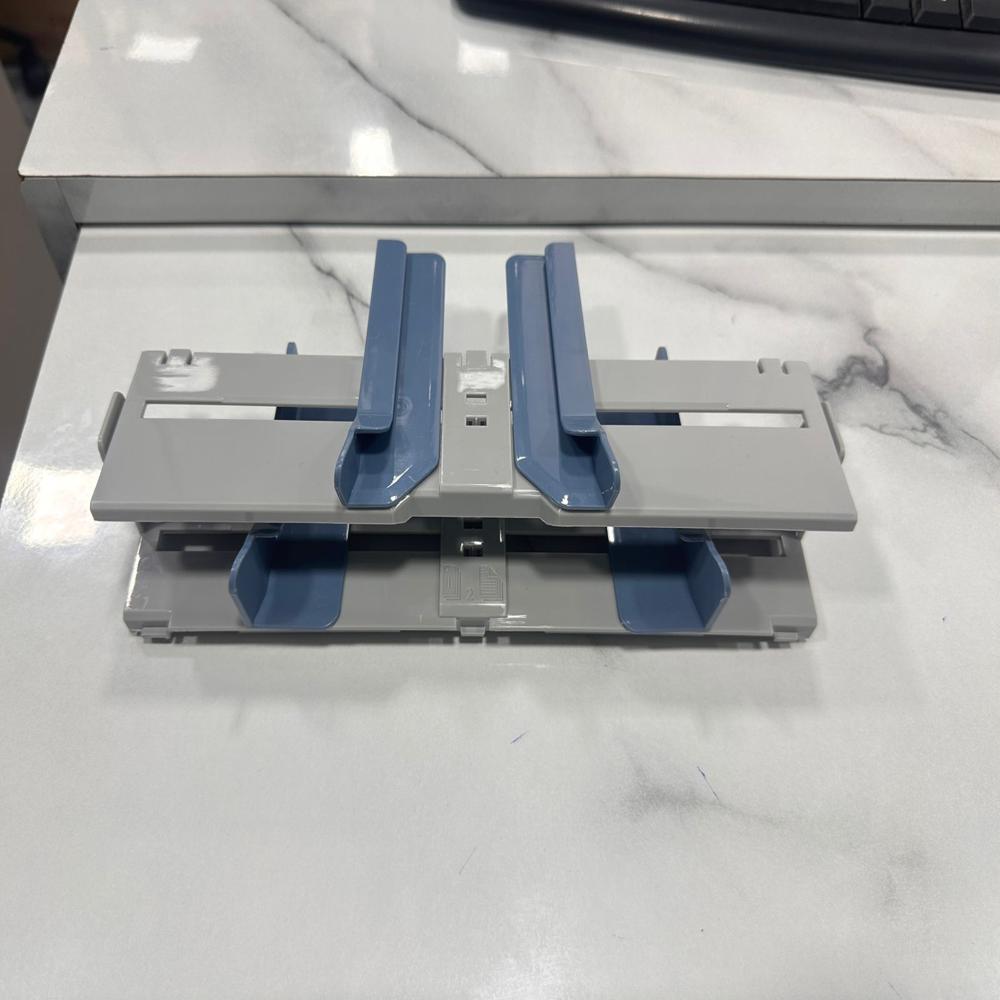
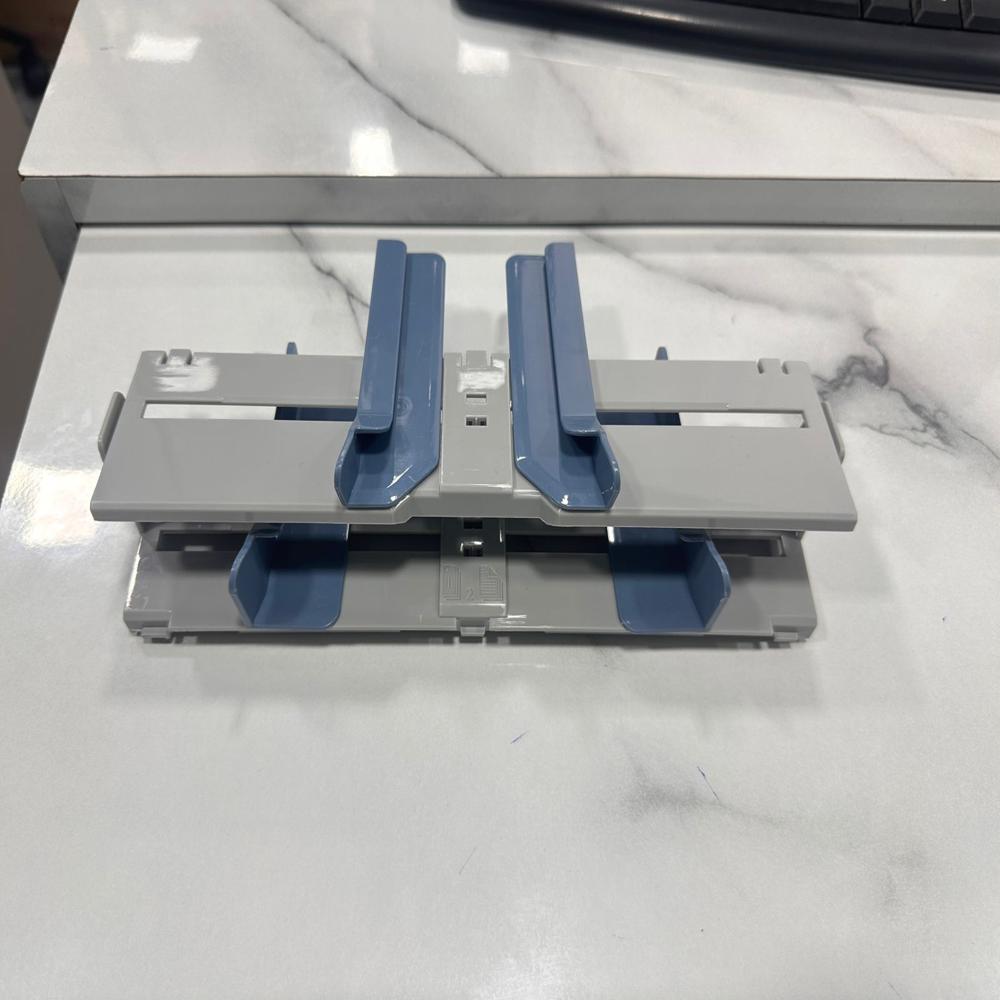
About HP 1020 Paper Adjuster with Guide
The HP LaserJet 1020 paper adjuster with guide refers to the physical width and length guides in the input tray. These guides align paper sizes (A4, Letter, Legal) straight into the printer to prevent misfeeds and jams
- Open the Tray: Flip down the plastic cover of the main bottom paper tray.
- Loosen Guides: Gently push the side width guides outwards and pull the rear length guide backwards.
- Align Paper: Tap a stack of 1025 sheets (up to 150 sheets max) on a flat surface so the edges are perfectly straight.
- Load the Tray: Place the paper facing up, with the top of the page pointing into the printer.
- Secure: Push the side and rear guides inward until they are flush against the edges of the paper stack. Do not squeeze the stack, as this will cause the paper to bend or jam
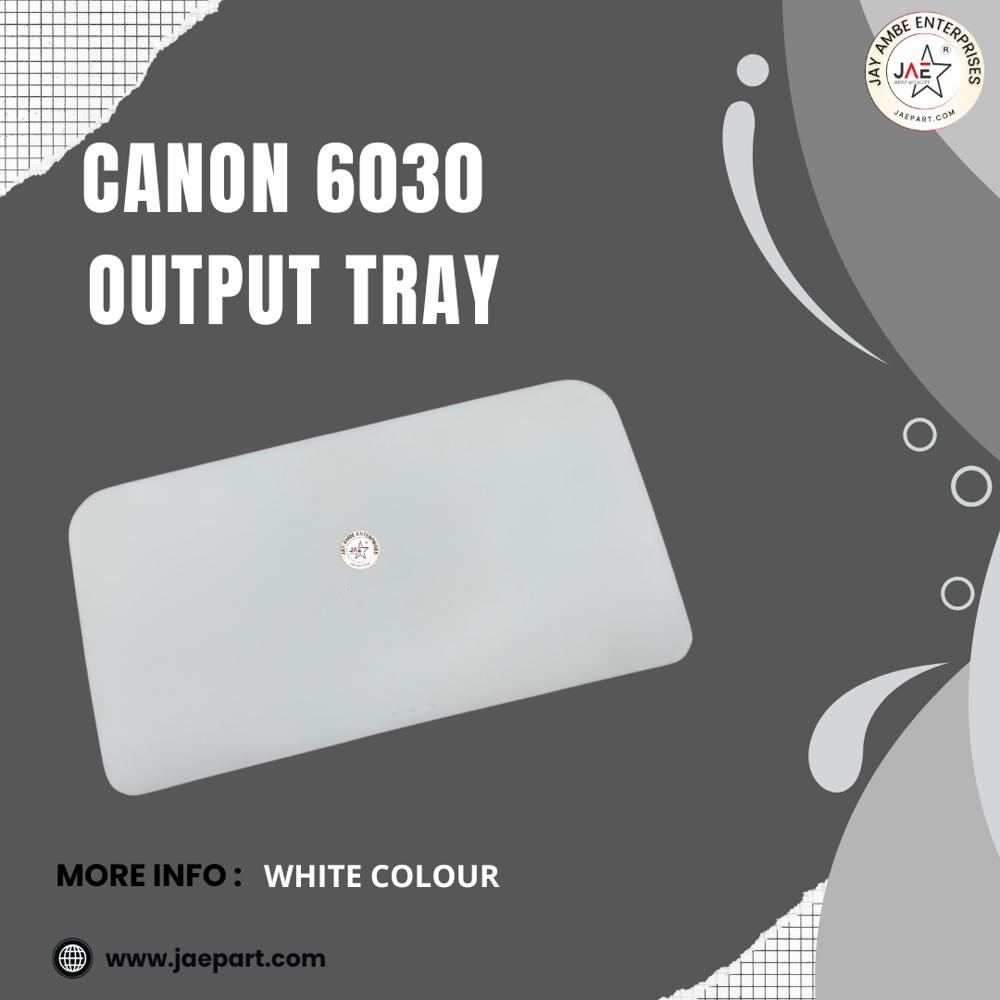
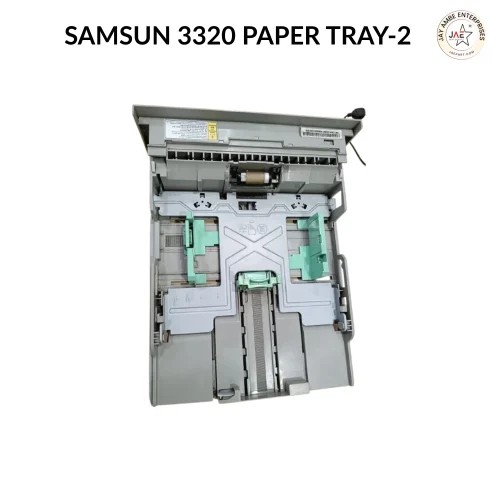
- This tray is the structural component located at the front or top of your printer designed to catch, hold, and neatly stack your freshly printed documents
Precise Paper AlignmentEnsure crisp, jam-free prints every time by maintaining consistent paper alignment. The HP 1020 Paper Adjuster with Guide provides a secure hold on paper stacks, reducing skew and improving overall print accuracy.
Effortless Installation & MaintenanceEnjoy hassle-free replacement with the tool-free snap-fit mechanism. Its robust ABS plastic construction and matte surface are easy to clean, while silent operation preserves a quiet work environment.
Broad Compatibility and VersatilityEngineered specifically for HP 1020 laser printers, this adjuster supports various users including dealers, exporters, and retailers. Suited for both A4 and Letter paper sizes, it keeps your print workflow smooth and efficient.
FAQ's of HP 1020 Paper Adjuster with Guide:
Q: How do I install the HP 1020 Paper Adjuster with Guide?
A: The adjuster is designed for quick and tool-free installation. Simply snap it into position in the paper feed tray of your HP 1020 laser printer for immediate use.
Q: What materials is the HP 1020 Paper Adjuster made from?
A: It is constructed from high-quality ABS plastic, offering durability, a matte finish, and silent operation for long-lasting performance.
Q: When should I replace my printer's paper adjuster?
A: You should consider replacing the paper adjuster if you encounter repeated paper jams, misfeeds, or visible damage to the existing guide.
Q: Where should I store the replacement paper adjuster when not in use?
A: Store the adjuster in a dry, dust-free environment to maintain its optimal performance and longevity.
Q: What is the benefit of using this adjustable guide over other generic options?
A: This guide is tailored for HP 1020 printers, ensuring precise fit and easy installation. Its durable build and adjustable feature guarantee proper paper alignment for consistent, high-quality prints.
Q: How does the adjuster improve printing efficiency?
A: By aligning and securing the paper stack, the adjuster minimizes the risk of misfeeds and jams, supporting smooth and efficient print jobs.
 Maharashtra, India







 Send Inquiry
 Send Inquiry
 Send SMS
 Call Me Free