About canon 6030 output try
if your
Canon LBP6030 printer display or driver popup shows
"TRY" or
"Output Tray" / "Check Output Tray", it usually means the printer cannot deliver the printed page correctly because of a paper path or output tray issue. Canon's troubleshooting guides recommend checking for jams, obstructions, and ensuring the output tray is open properly
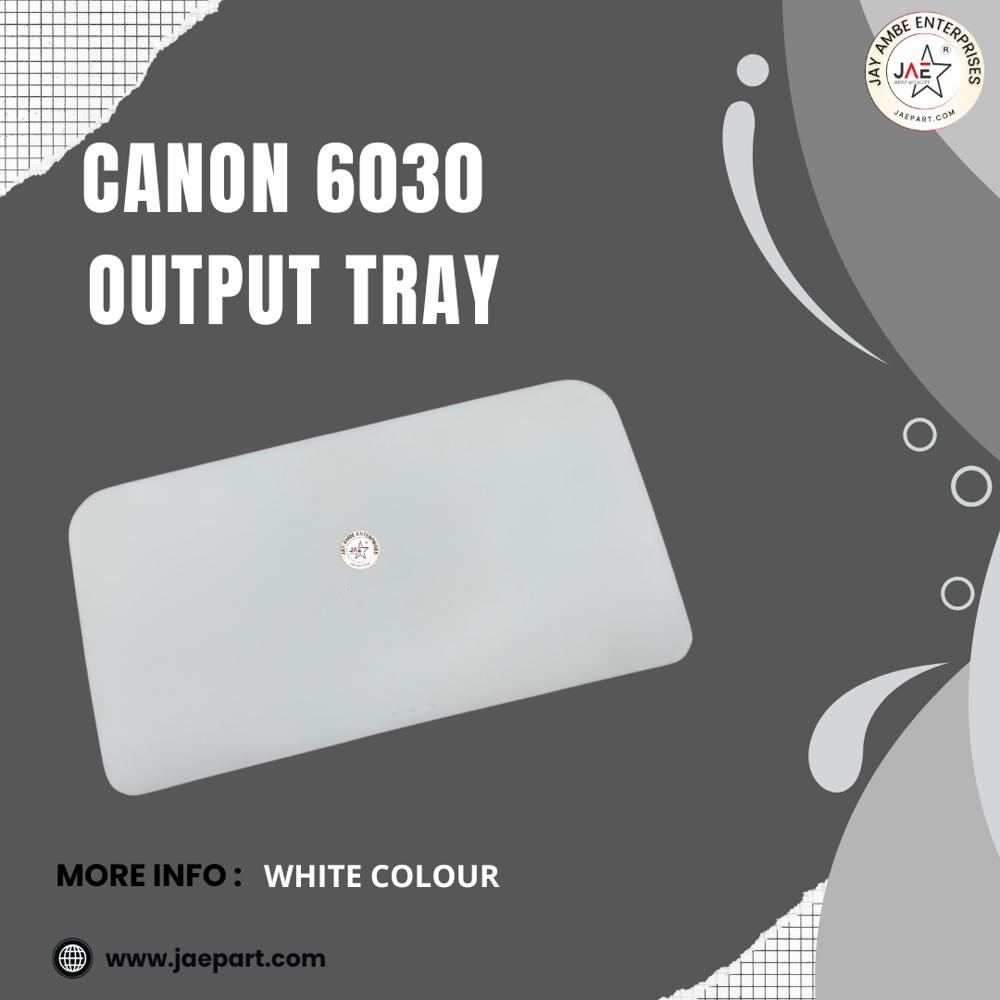
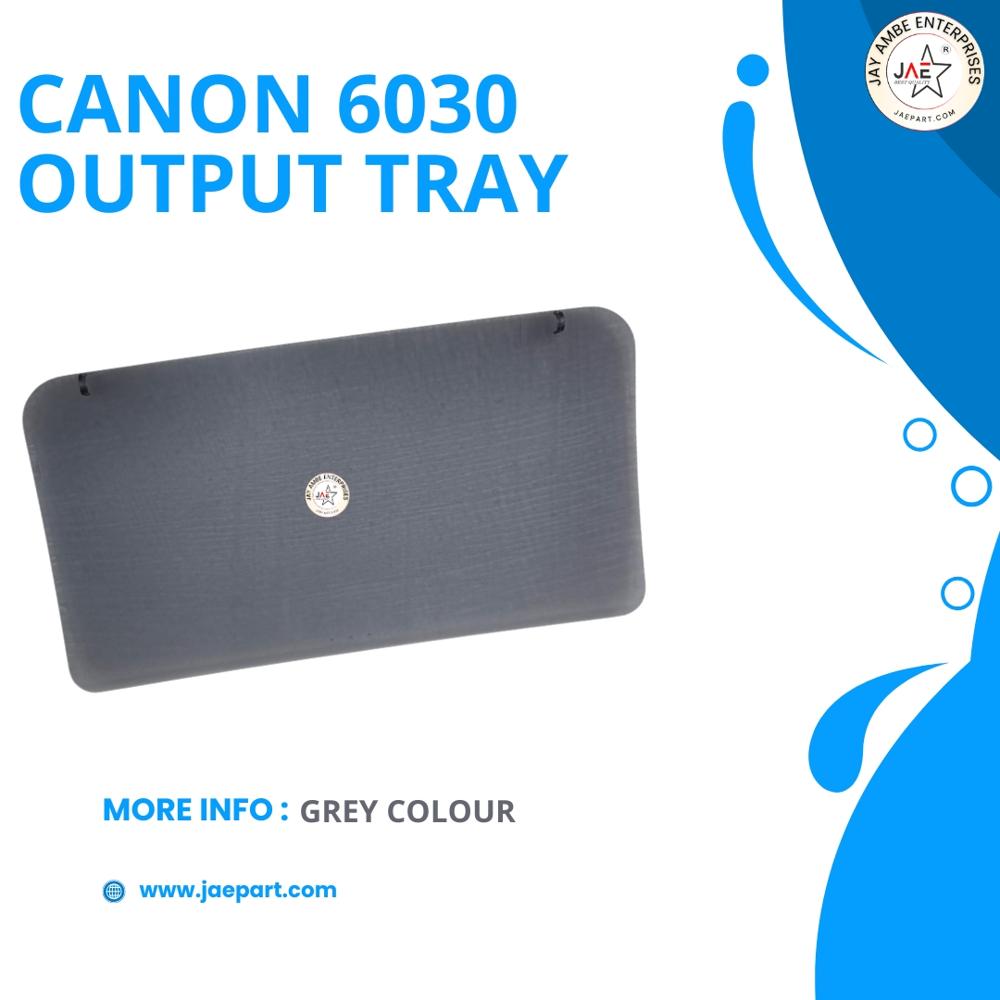
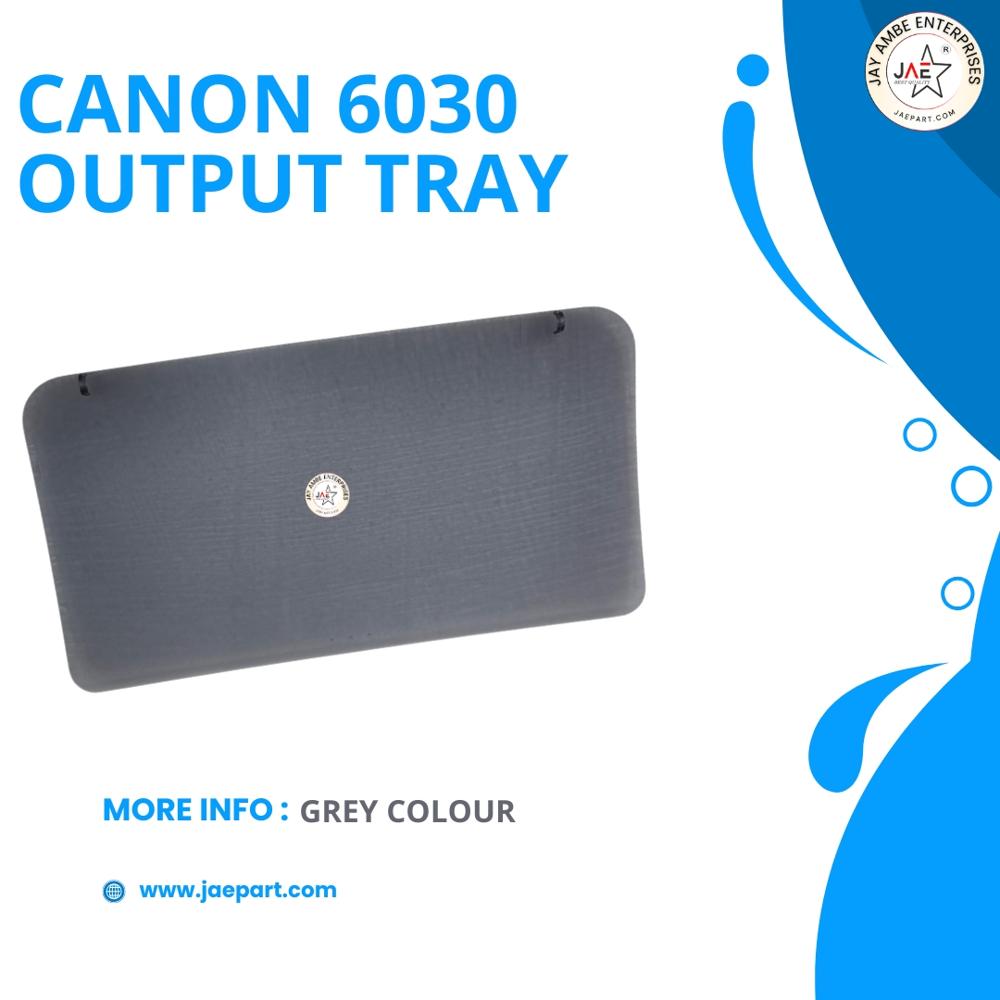
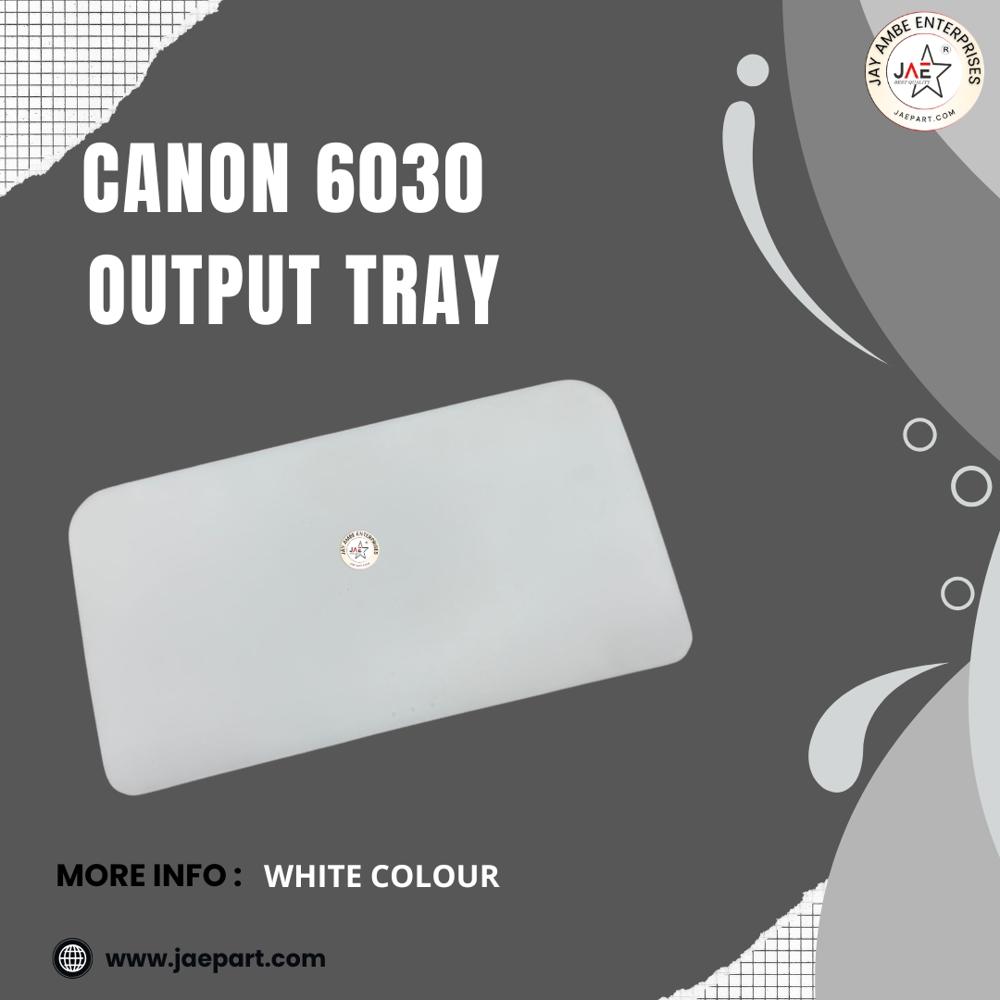
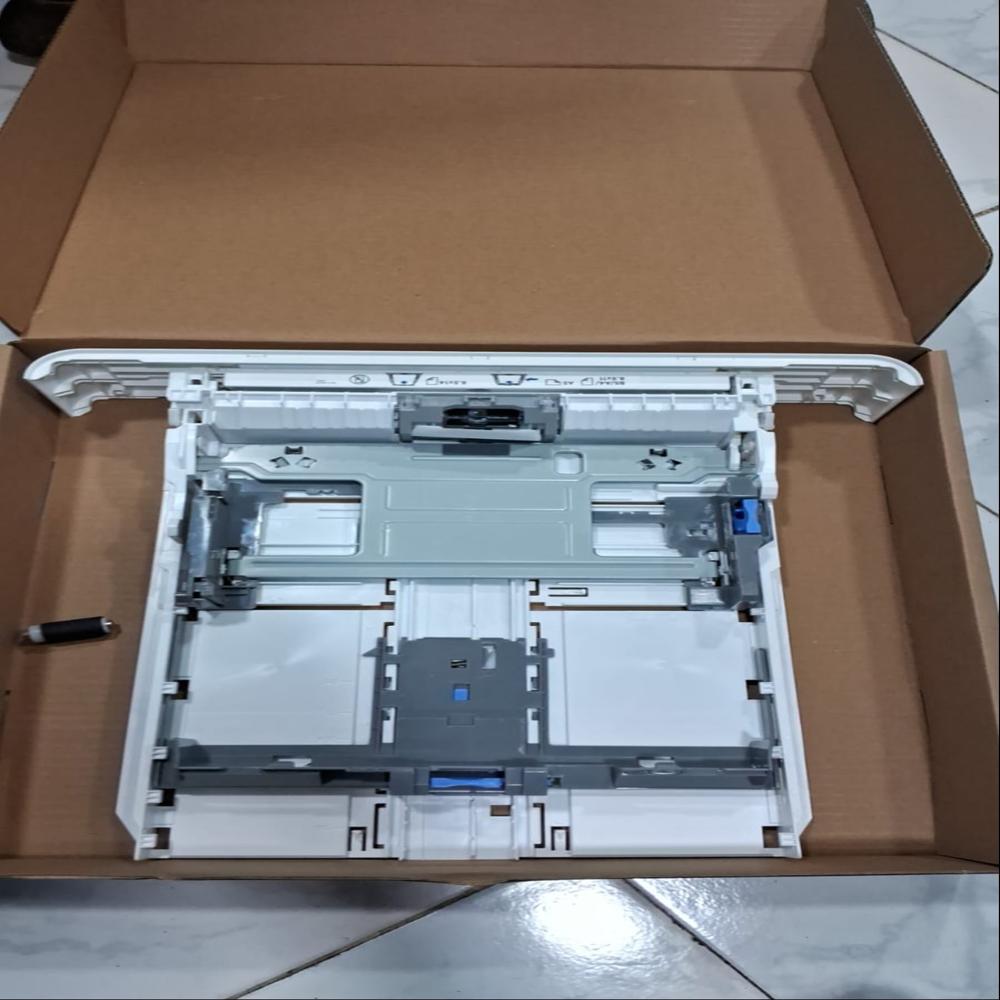
The Canon imageCLASS LBP6030 features a face-down paper output tray located on the top of the printer. It is designed to stack printed documents neatly so they exit in sequential order without cluttering your desk
Key Output Tray Specifications
- Capacity: Holds up to 100 sheets of standard 80 g/m A4 or Letter paper.
- Paper Orientation: Face down (printed side rests against the tray).
- Supported Paper Sizes: Accommodates common sizes like A4, B5, A5, Legal, Letter, Executive, and Envelopes (COM10, Monarch, DL, C5).
- Material & Design: Constructed of durable grey or black ABS plastic featuring an extension flap (fold-out support) to handle longer paper sizes without drooping
High-Quality Material and BuildConstructed from premium ABS plastic, the Canon 6030 Output Tray ensures both strength and longevity. Its smooth matte finish resists scratches, maintaining an attractive look even with regular use. Temperature resistance up to 60C makes it suitable for demanding environments.
Effortless Installation and Universal CompatibilityThe tray features a tool-free, clip-on attachment, allowing users to install it effortlessly without the need for additional tools. Engineered to fit the Canon 6030 series laser printer perfectly, it is fully compatible with OEM standards for hassle-free replacement.
Sustainable and Eco-Conscious ChoiceManufactured from 100% recyclable materials, this output tray is both eco-friendly and reusable. Its design supports environmentally responsible printing, aligning with sustainability goals in offices and print businesses worldwide.
FAQ's of canon 6030 output try:
Q: How do I install the Canon 6030 Output Tray on my printer?
A: The Canon 6030 Output Tray is designed for tool-free, clip-on installation. Simply align the tray with your printer's output slot and gently snap it into place-no tools or technical expertise required.
Q: What material is used in the Canon 6030 Output Tray, and is it eco-friendly?
A: This output tray is made from durable ABS plastic, offering strength and resilience. Additionally, it's crafted from 100% recyclable material, making it a sustainable and eco-friendly accessory for your printing needs.
Q: When should I consider replacing the output tray?
A: You should replace the output tray if you notice any significant wear, cracks, or if pages do not stack properly. As an OEM-compatible part, it offers a precise fit and can be swapped out whenever necessary without hassle.
Q: Where is the Canon 6030 Output Tray manufactured and who is it intended for?
A: This tray is manufactured specifically for Jay Ambe Enterprises and is suitable for a wide range of users, including dealers, retailers, importers, distributors, and individual customers using Canon 6030 series printers.
Q: What sizes and types of paper does the tray support?
A: The Canon 6030 Output Tray is designed to accommodate standard A4 and Letter paper sizes, making it ideal for common office and home printing tasks.
Q: What are the primary benefits of using this output tray?
A: Key benefits include its precise fit, durable construction, reusability, easy installation, noise-free operation, and eco-friendly composition. Its OEM compatibility ensures perfect integration with Canon 6030 series printers.
Q: How should I store the output tray when not in use?
A: Store the Canon 6030 Output Tray in a cool, dry place away from direct sunlight to maintain its condition and ensure long-term durability.
 Maharashtra, India







 Send Inquiry
 Send Inquiry
 Send SMS