About Kyocera 2040 developer unit
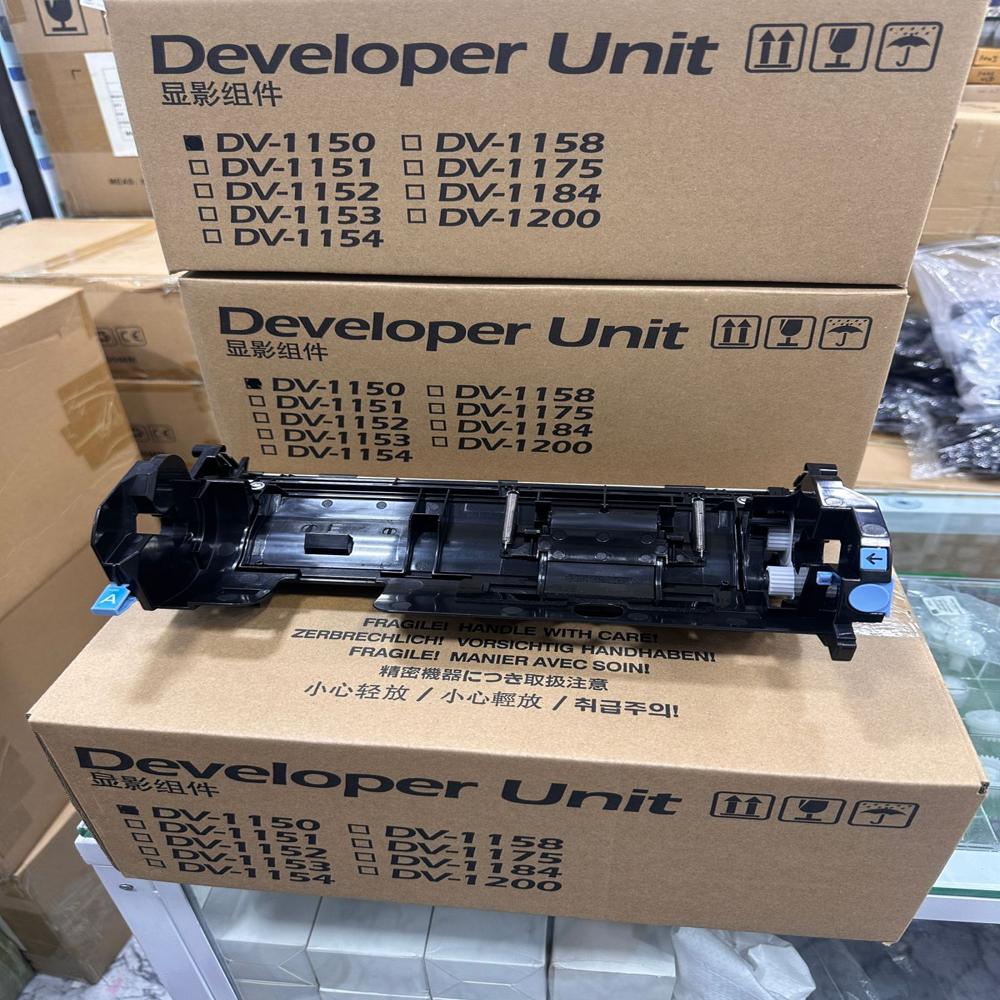
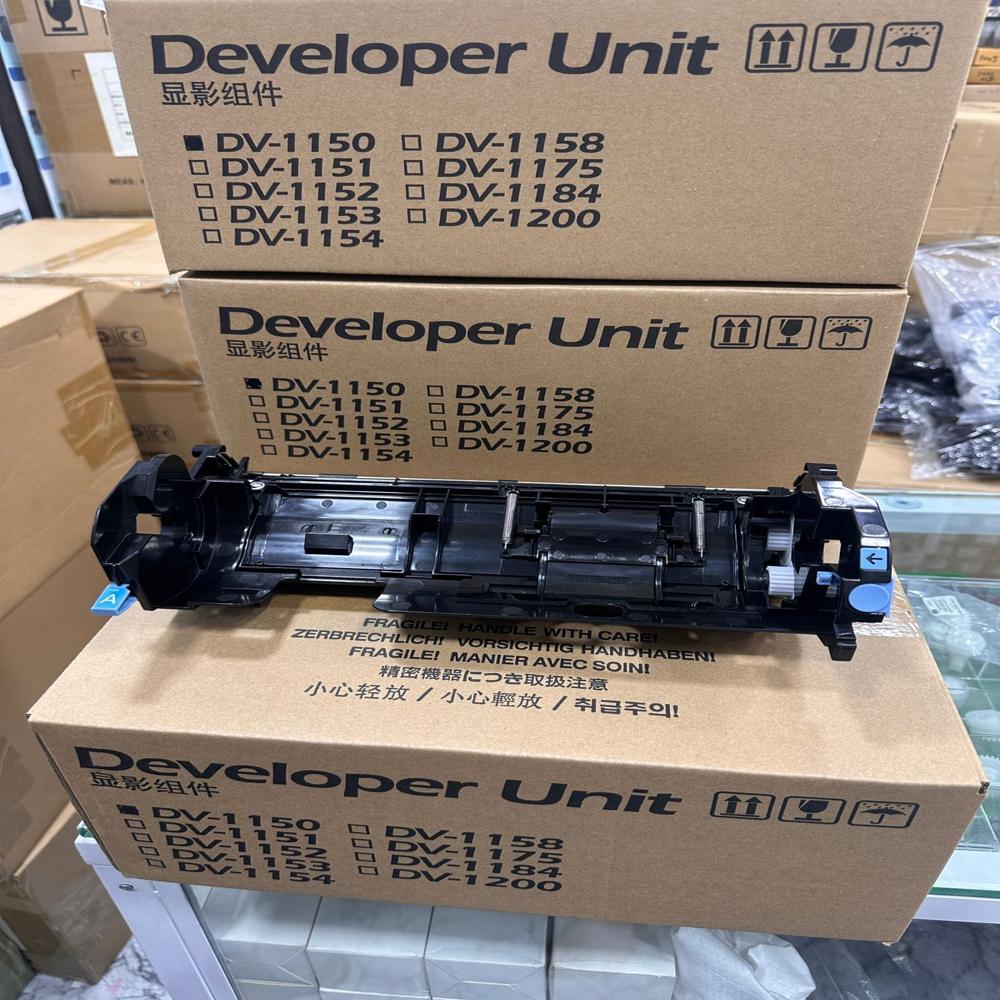
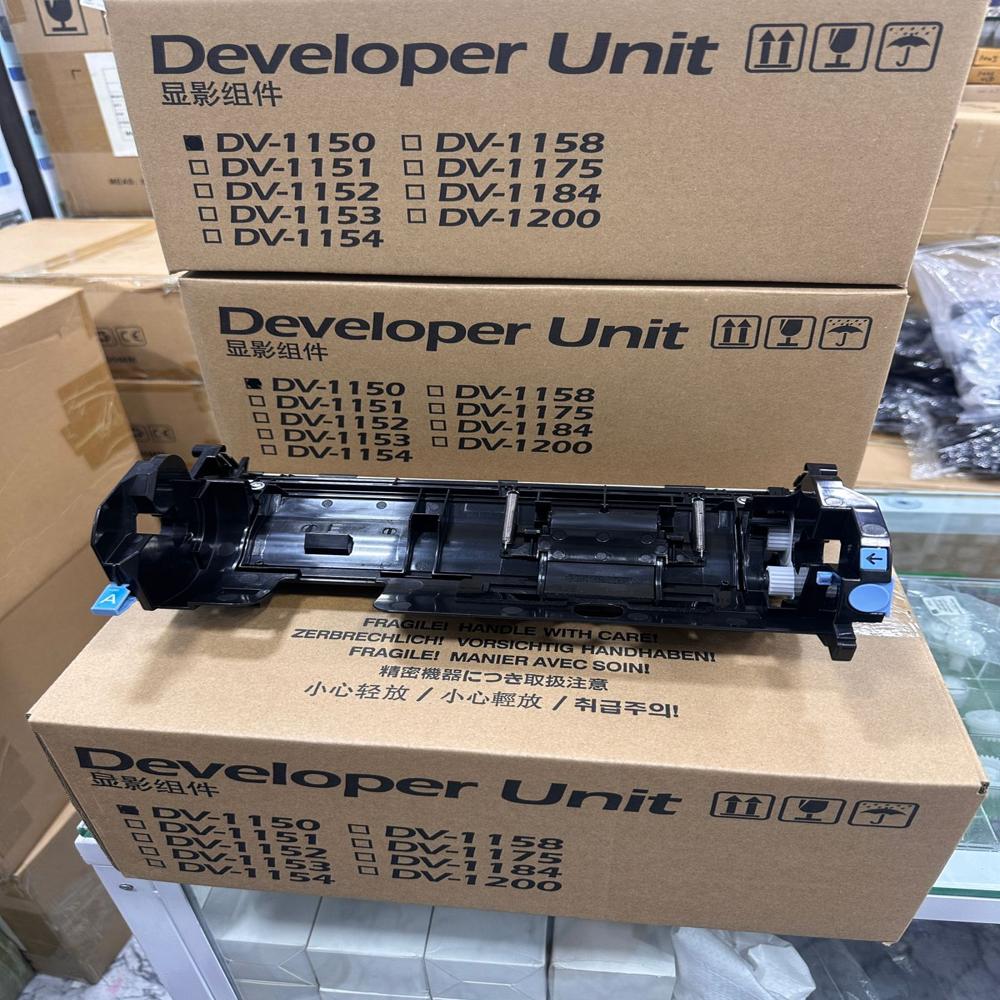
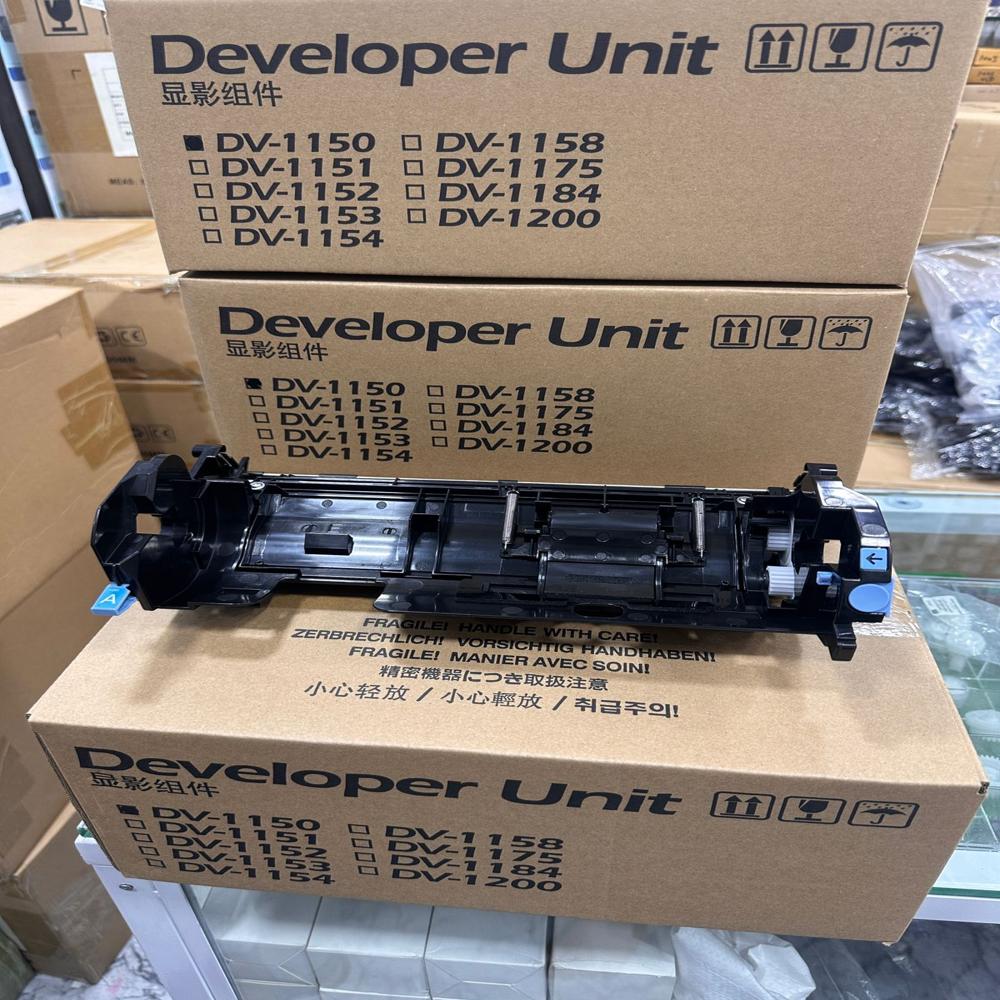
The Kyocera ECOSYS M2040dn developer unit (Model DV-1150/DV-1158) is a core component that ensures smooth toner transfer and sharp, deep black printing. It works alongside the toner cartridge to develop the image on the drum
- Part Numbers: DV-1150, DV-1158
- Page Yield: Up to 100,000 pages
- Functions: Mixes and transfers toner to the drum unit for flawless text and graphics
- Average Price: Typically ranges from 3,000 to 9,000 in India, depending on whether you purchase a compatible or original (OEM) part
- Compatibility: Works across several Kyocera ECOSYS models, including the M2040dn, M2540dn, M2640idw, and P2040dn
- If by Kyocera 2040 you mean the Kyocera ECOSYS M2040dn, the correct developer unit is typically the DV-1150 / DV-1158 developer unit (depending on the printer revision and market). Compatible listings specifically mention the M2040dn series.
Genuine OEM Standard ReplacementThis developer unit is manufactured to original specifications, ensuring unparalleled performance and reliability for the Kyocera 2040 series. Its black toner-based composition guarantees optimal image development for professional printing environments.
Effortless Installation ProcessWith a design focused on user convenience, installation of the DV-1150 series developer units is swift and straightforward. The sealed retail box preserves developer integrity until you are ready to install, reducing the risk of contamination or damage.
Preserving Print Quality and LongevityProper use of the Kyocera 2040 developer unit not only maintains the exceptional print quality your device is known for, but also extends the life of your printer. Following recommended handling and storage instructions is essential for optimal performance.
FAQ's of Kyocera 2040 developer unit:
Q: How do I know if this developer unit fits my Kyocera printer model?
A: Check your device's model number against the compatible DV-1150, DV-1151, DV-1152, DV-1153, DV-1154, DV-1158, DV-1175, DV-1184, and DV-1200 models listed in the product description. Only use with these specific Kyocera laser printers.
Q: What is the proper process for handling and installing the developer unit?
A: When handling the unit, avoid exposure to static electricity, and keep it in a cool, dry place. Remove it from the sealed retail box only when ready to install following your printer's manufacturer guidelines for developer replacement.
Q: When should the developer unit be replaced in my Kyocera 2040 series printer?
A: Replace the developer unit according to the standard duty cycle recommended for your Kyocera 2040 series. This is typically prompted by printer maintenance alerts or a decline in print quality.
Q: Where should I store extra developer units before use?
A: Store unused developer units in their original sealed packaging in a cool, dry area, protected from direct sunlight and static electricity to prevent premature wear or damage.
Q: What benefits does an original Kyocera developer unit offer?
A: Genuine Kyocera developer units ensure consistent image development, long-lasting performance, and protection for your laser printer against potential issues that can arise from using non-OEM components.
Q: How does installing a new developer unit affect print quality and printer longevity?
A: A new, properly installed developer unit restores optimal image contrast and clarity, while also supporting the printer's long-term reliability by maintaining the correct image development process.
Q: Can this developer unit be used with any type of toner?
A: No, the developer unit is designed specifically for use with Kyocera's toner-based laser print technology. Always use recommended toner and developer combinations for the best performance.
 Maharashtra, India







 Send Inquiry
 Send Inquiry
 Send SMS