Replace after end-of-life message or defective output
Operating Temperature Range
10C to 32.5C
Life Cycle
Up to 100,000 pages (typical)
Part Number
RM2-6405
Humidity Range
20% - 80% RH (non-condensing)
Package Contents
1 x Fuser Unit, Instruction Manual
Service Type
Replacement / Maintenance
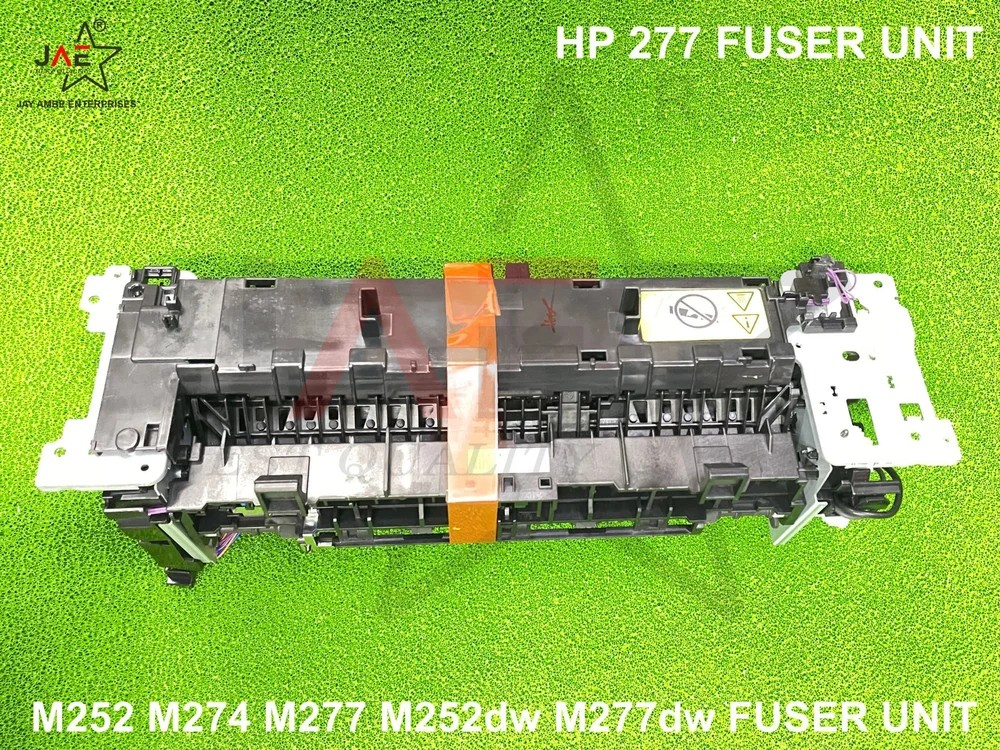
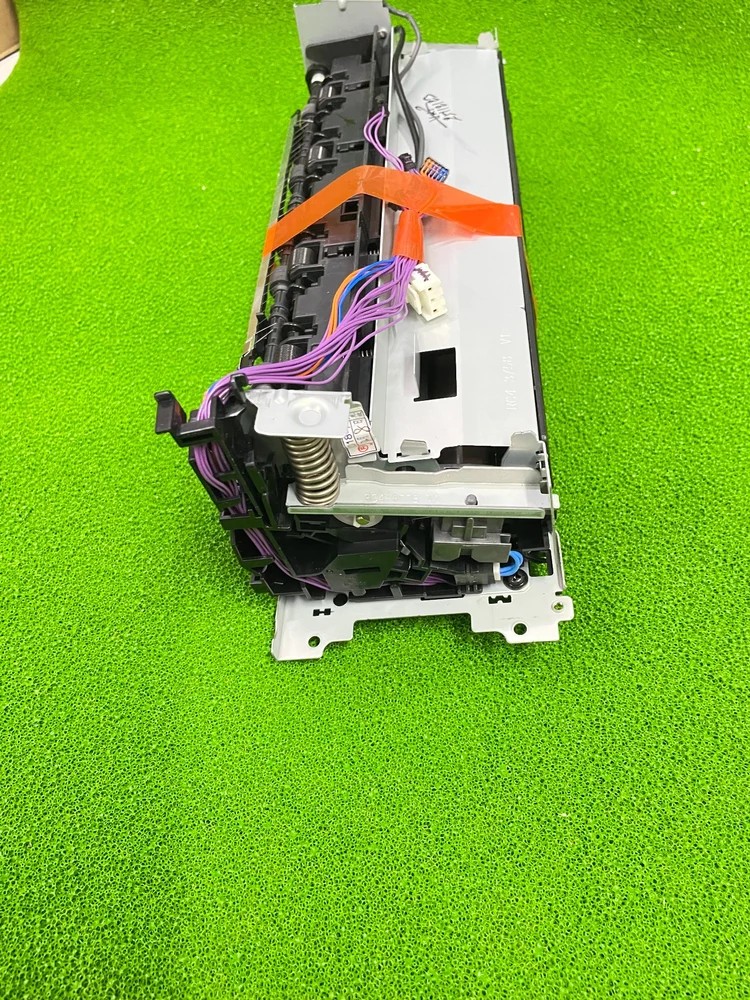
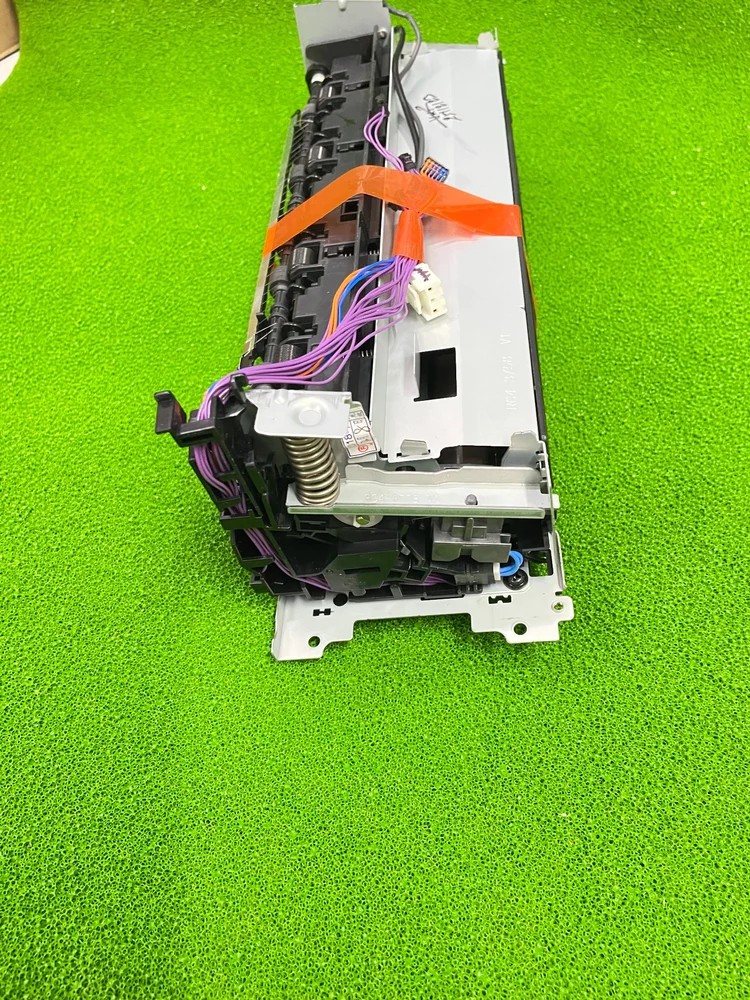
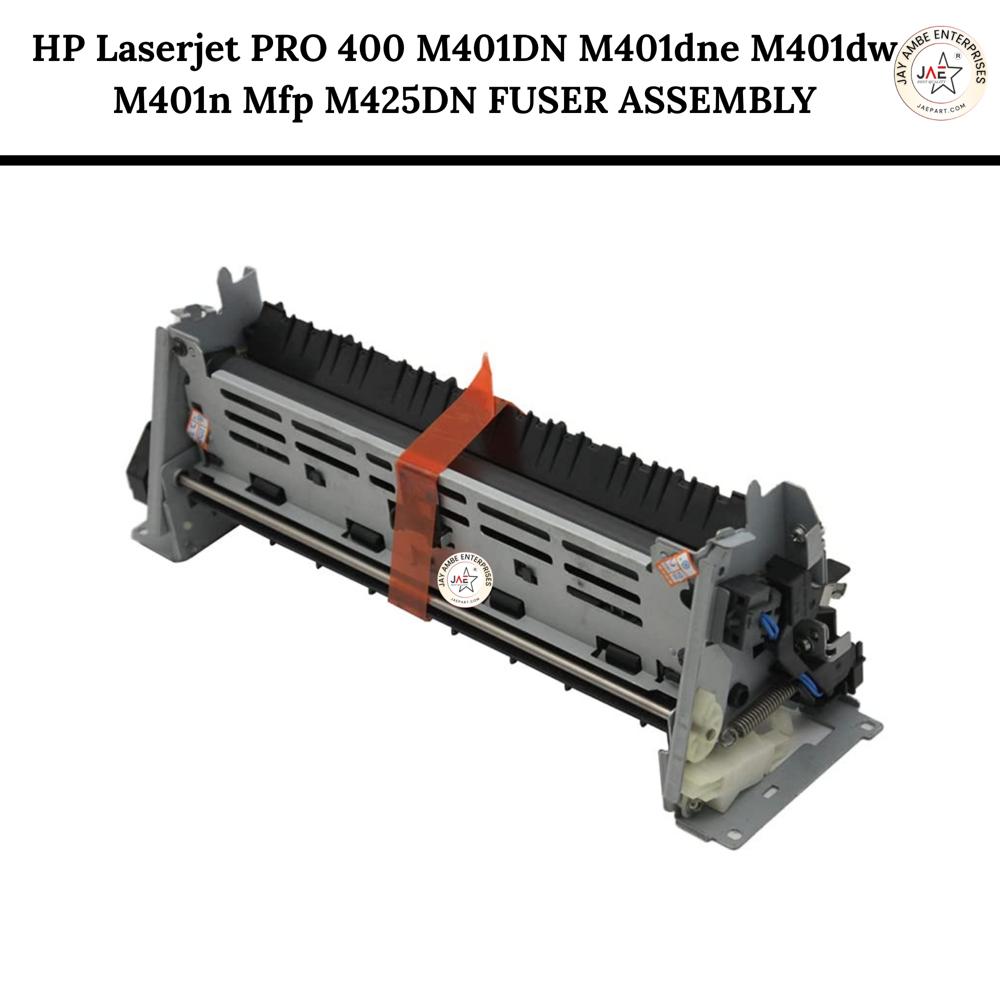
About HP M277DW M252 M274 FUSER UNIT
The HP Color LaserJet Pro MFP M277 Fuser Unit Assembly (Primary Part Nos: RM2-5584 and RM2-5583) is a critical internal component responsible for the final stage of the laser printing process. It uses a combination of high heat and pressure to permanently bond toner particles onto the paper, ensuring clear and durable print output.
Detailed Product Overview
Core Function: The unit heats and fuses toner onto various media types, including envelopes, glossy paper, photo paper, and labels, at high temperatures to prevent smudging.
Components: A complete assembly typically includes a heated roller, a pressure roller set, and internal sensors to monitor temperature and paper exit.
Compatibility: This specific fuser is designed for the HP Color LaserJet Pro M277 series (including M277dw, M277n, and M277c6) as well as the M252, M255, and M274 series.
Voltage Variants: It is available in both 110V/120V (standard for North America) and 220V/240V (standard for Europe and Asia) configurations.
Technical Specifications
Page Yield: Expected life cycle is approximately 100,000 to 125,000 pages, depending on usage patterns and print environment.
Supported Paper Sizes: Seamlessly handles standard office sizes including Letter, Legal, and A4.
Weight & Dimensions: The unit weighs roughly 1.5 kg (3.3 lbs) with standard package dimensions around 36 x 17 x 13 cm.
Construction: Built using durable ABS plastic and metal components to withstand continuous thermal cycling.
Exceptional Print Performance
The HP M277DW M252 M274 Fuser Unit offers reliable and consistent performance, achieving printing speeds up to 30 pages per minute, depending on your printer model. Designed for laser printers, it delivers crisp output on a variety of paper sizes, including A4, Letter, and Legal formats.
Simple Replacement Process
Replacing the fuser unit is quick and straightforward. Once your printer displays an end-of-life message or if you notice defective output, follow the included instruction manual for installation. No specialized tools are necessary, ensuring minimal downtime and effortless maintenance.
Optimized for Longevity and Durability
With a typical capacity of up to 100,000 pages, this fuser unit is engineered for long-lasting use. Its construction meets HP's strict OEM standards, providing business users with a dependable, high-yield component that requires minimal replacement frequency.
FAQ's of HP M277DW M252 M274 FUSER UNIT:
Q: How do I know it's time to replace the HP M277DW M252 M274 Fuser Unit?
A: You should replace the fuser unit when your printer issues an end-of-life warning or if you notice consistent print defects, such as smudging or incomplete fusing of toner to the paper.
Q: What is the process for installing the fuser unit in my printer?
A: Installation is straightforward and detailed in the included instruction manual. Turn off your printer and unplug it, then remove the old fuser and install the new one in the designated slot. After reattaching any panels, power your printer on to resume normal operation.
Q: Where can I use this fuser unit?
A: This fuser unit is compatible with HP Color LaserJet Pro M252, M277dw, and M274 laser printers. It can be used in offices, businesses, and settings requiring consistent, high-quality color laser printing.
Q: When should I perform fuser replacement or maintenance?
A: Replacement or maintenance should be performed immediately after receiving a printer notification for end-of-life, or if print output loses quality or becomes defective due to a worn-out fuser.
Q: What are the key benefits of using this OEM fuser unit?
A: The main advantages include high-yield output (up to 100,000 pages), reliable, OEM-quality prints, low noise operation, and an easy installation process to minimize downtime and ensure consistent productivity.
Q: How should I store my replacement fuser unit before use?
A: Store the fuser unit in a cool, dry place away from direct sunlight and humidity, maintaining conditions within the recommended temperature and humidity ranges to preserve its performance and lifespan.
Tell us about your requirement
Price:
Quantity
Select Unit
50
100
200
250
500
1000+
Additional detail
Mobile number
Email
Name
Comapny Name
Phone Number
Email Id
City / State
Confirm Your Requirement
Verification Code
Did not receive yet?
Resend OTP
You’re Done!
We have received your requirements and will reply shortly with the best price.
 Maharashtra, India









 Send Inquiry
 Send Inquiry
 Send SMS
 Call Me Free