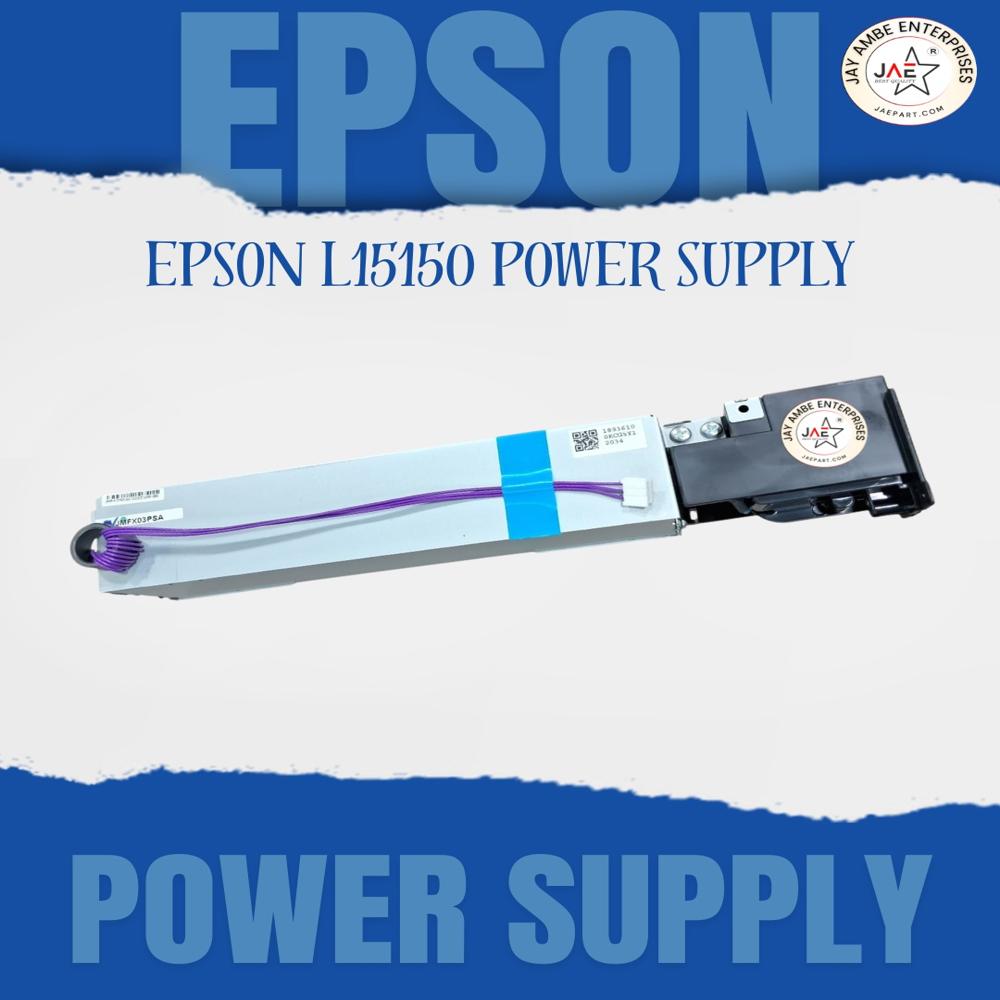
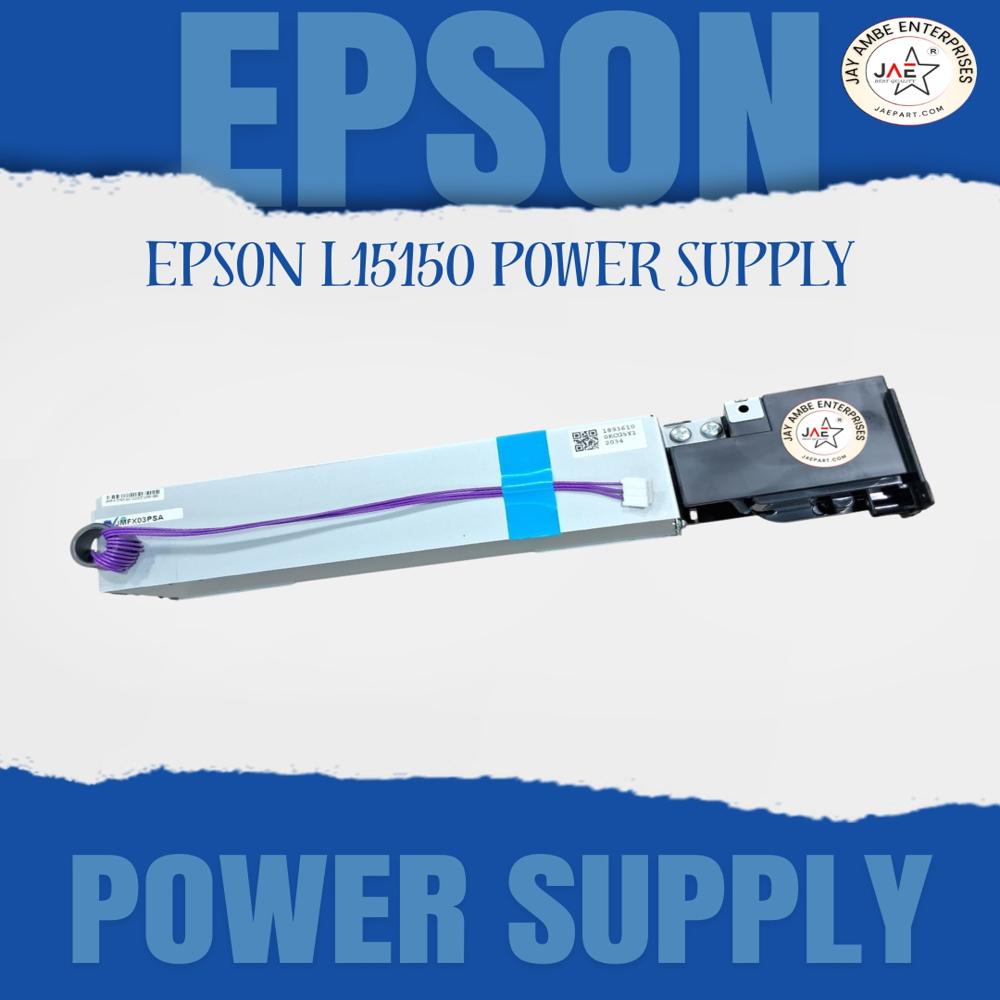
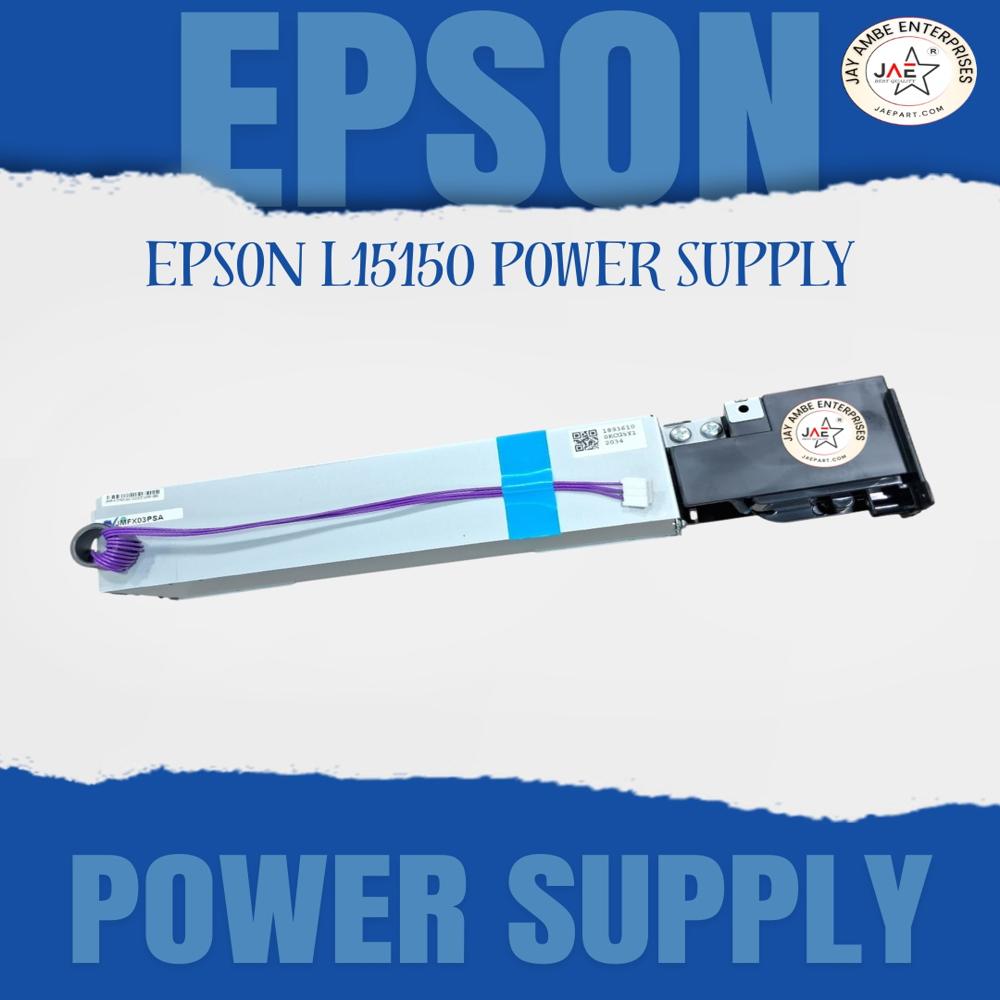
About epson l 15150 power supply
The printer uses:
- AC input: 100240V
- 50/60 Hz universal supply
- Rated current around 0.80.4A
Before buying
Check:
- The exact part number printed on your existing SMPS board.
- Whether your issue is:
- no power,
- blinking lights,
- intermittent restart,
- burnt smell/fuse,
- or dead motherboard.
Sometimes the motherboard causes similar symptoms even when the power board is fine.
Common compatible models
Many sellers list compatibility with:
- L15150
- L15160
- L14150
- M15140
- L6570
because they share similar power modules.
If you want, I can also help with:
- the exact SMPS part number location,
- repair vs replacement,
- wiring diagram,
- voltage testing points,
- or nearby Mumbai spare-part suppliers.
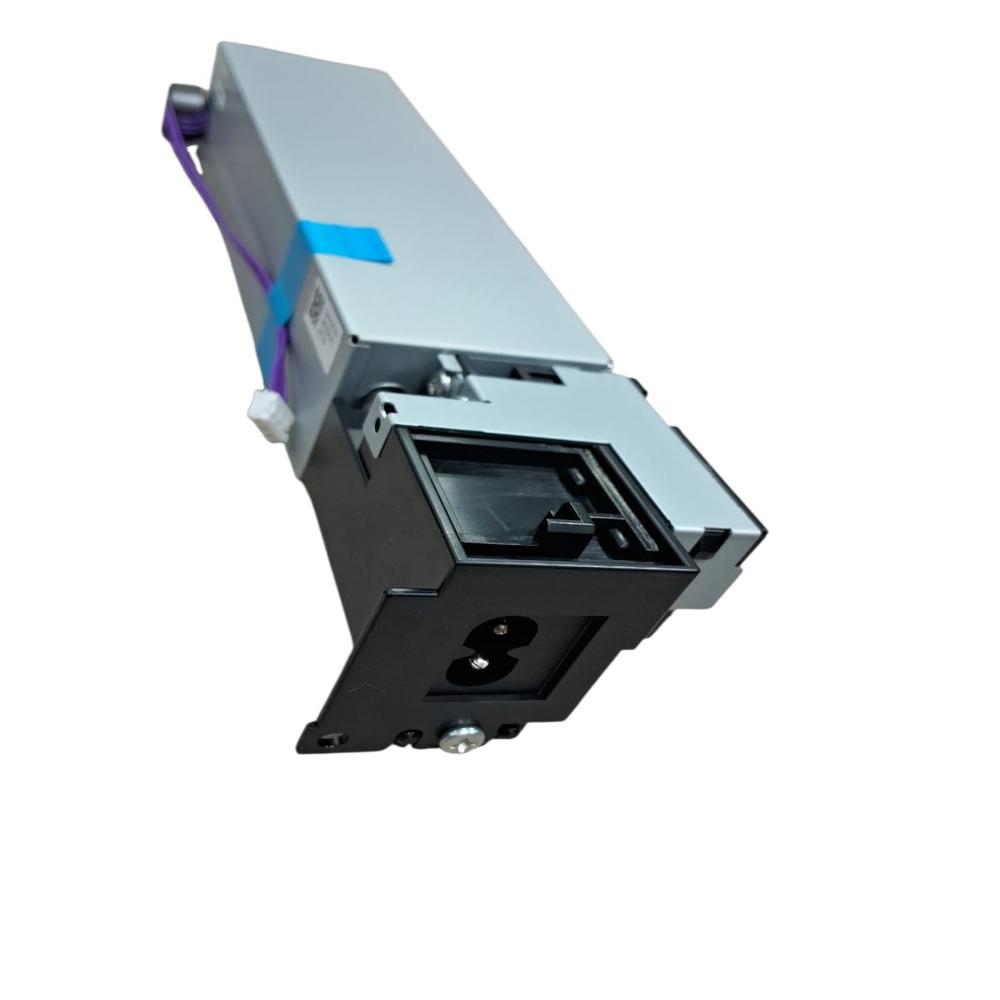
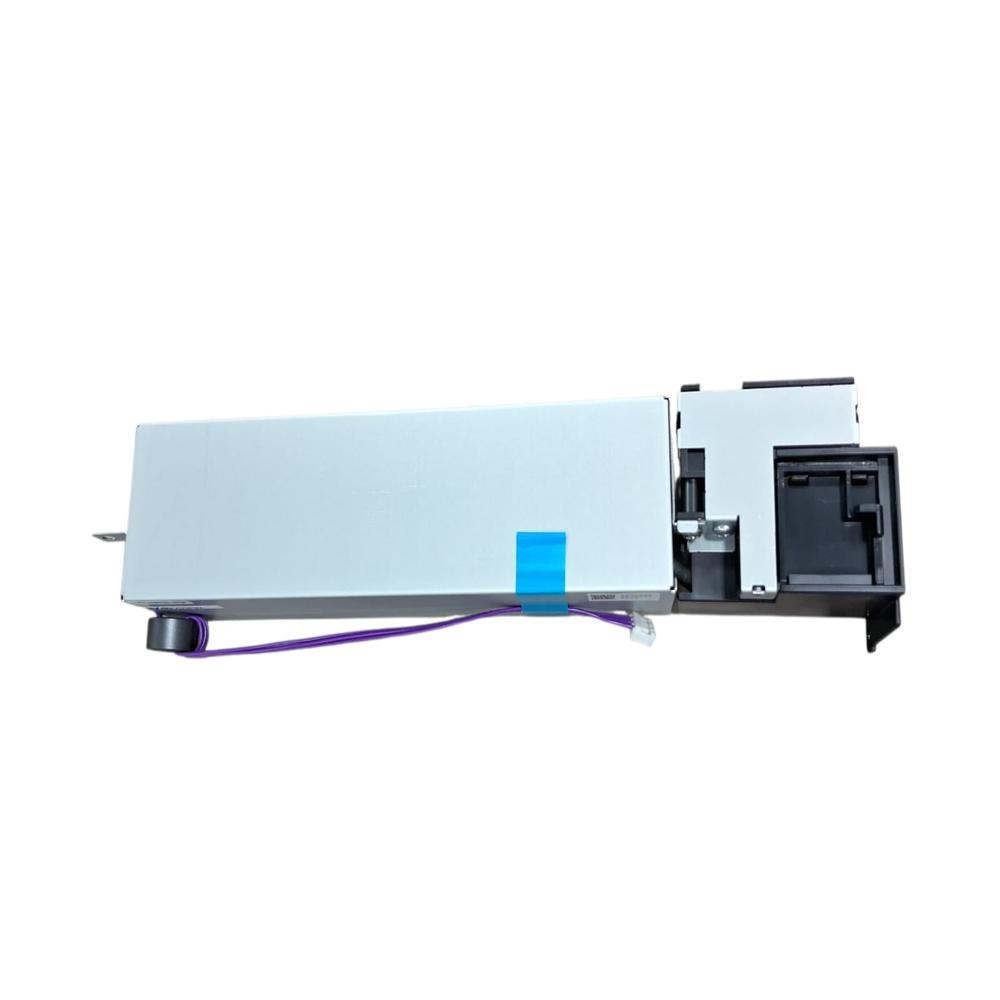
- The Epson L15150 uses an internal SMPS power supply board. The most common compatible part numbers are 18098178, 1808178, and 2198507. These boards are also used in several Epson A3 EcoTank models.
Stable and Safe Power for Your PrinterEngineered to meet Epson's strict standards, the L15150 Power Supply ensures consistent, stable output for your inkjet printer. Equipped with advanced protection features such as short circuit, overload, overheat, and overvoltage safeguards, it prolongs the lifespan of your equipment while maintaining smooth, silent operations.
Designed Exclusively for Epson L15150This power supply is an original part, precisely tailored for Epson L15150 printer series. Its 3-pin plug and optimized size guarantee a perfect fit, making installation straightforward and minimizing downtime. Rigorously tested for quality, it adheres to OEM patterns and Epson's standards.
Durable Build and Easy HandlingMade from robust ABS and metal, this power supply is built to withstand regular use and demanding working conditions. Its compact design (height: 2.8 cm, case length: 11.7 cm, weight: 190 g) allows for efficient handling during installation or replacement, and it is suitable for dealers, distributors, and maintenance professionals.
FAQ's of epson l 15150 power supply:
Q: How do I install the Epson L15150 power supply in my printer?
A: To install the Epson L15150 power supply, ensure the printer is turned off and unplugged, then carefully connect the 3-pin plug to the designated power socket inside the printer. Secure it in place and close any protective covers before powering on the device.
Q: What devices are compatible with this power supply?
A: This power supply unit is exclusively compatible with the Epson L15150 printer series. It is not designed for use with other printer models or electronic devices.
Q: When should I consider replacing my printer's power supply?
A: Replace your printer's power supply if you experience frequent power interruptions, the device fails to power on, or if the original unit sustains physical damage. Always use an original OEM part to guarantee performance and safety.
Q: Where should I store the Epson L15150 power supply when not in use?
A: Store the power supply in a dry, cool environment away from moisture, extreme temperatures, or direct sunlight to preserve its quality and functionality.
Q: What benefits does the OEM power supply provide over third-party alternatives?
A: The original Epson L15150 power supply offers assured compatibility, reliable performance, comprehensive safety features, and matches the printer's specifications, reducing risk of electrical issues compared to non-OEM options.
Q: How does the built-in protection work in this power supply?
A: The unit includes short circuit, overload, overheat, and overvoltage protection circuits that automatically cut off or regulate power, preventing damage to your equipment and ensuring safe operation.
Q: What are the main features supporting ease of use and durability?
A: Its robust ABS and metal housing, silent operation, standard size, and stable power output offer high durability and simplicity during handling and installation.
 Maharashtra, India







 Send Inquiry
 Send Inquiry
 Send SMS