About Kyocera 2040 Fuser unit new
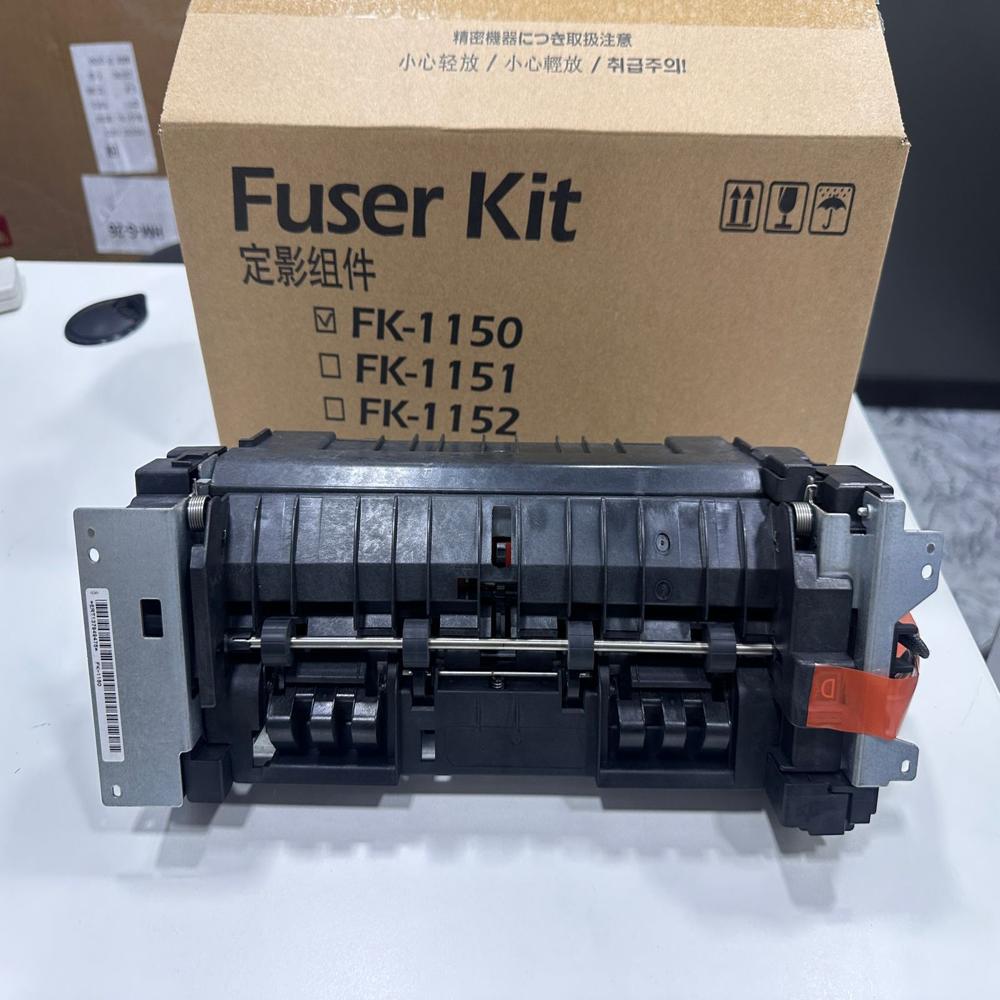
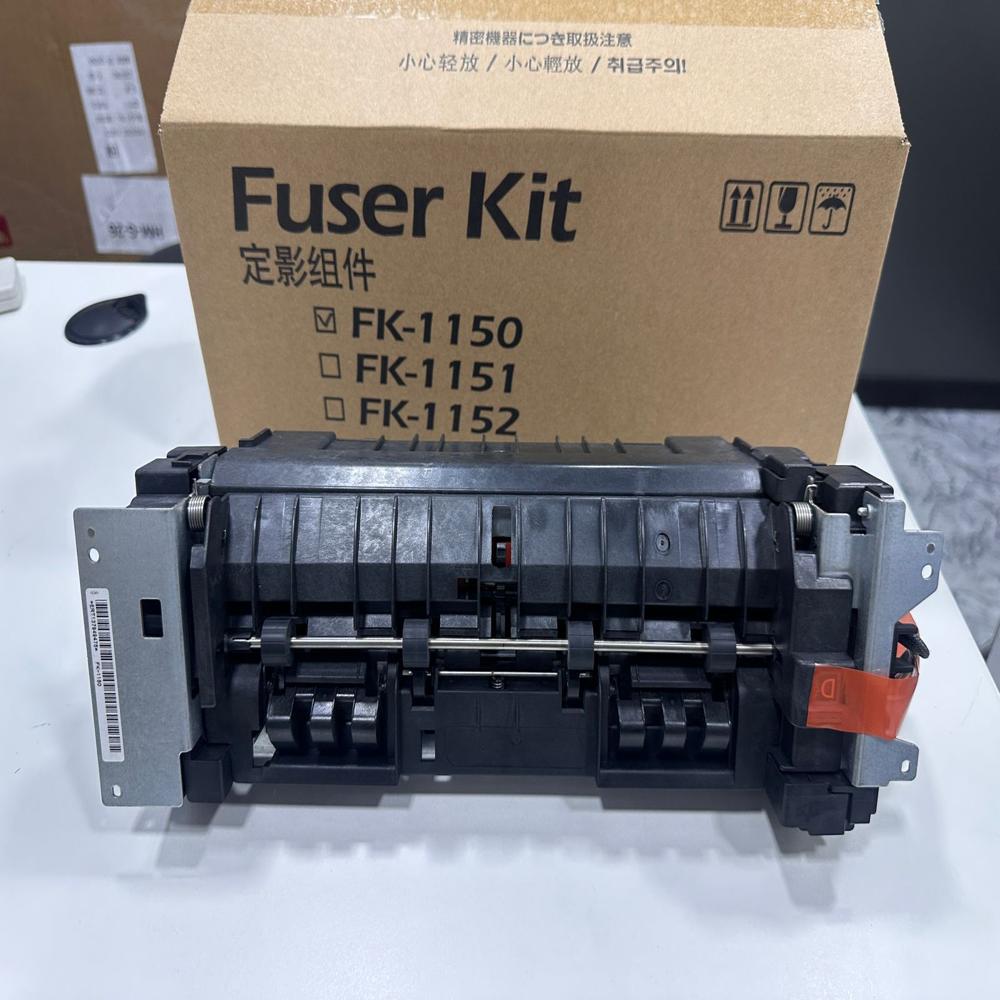
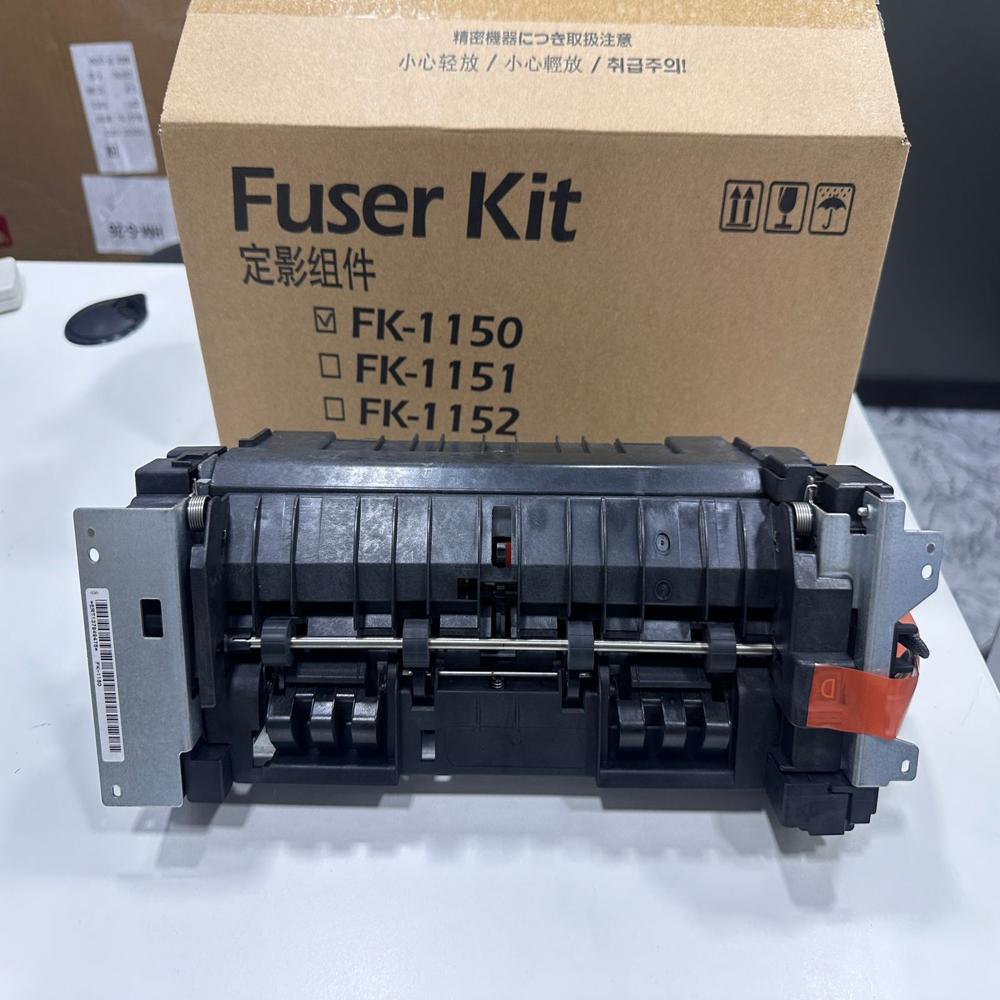
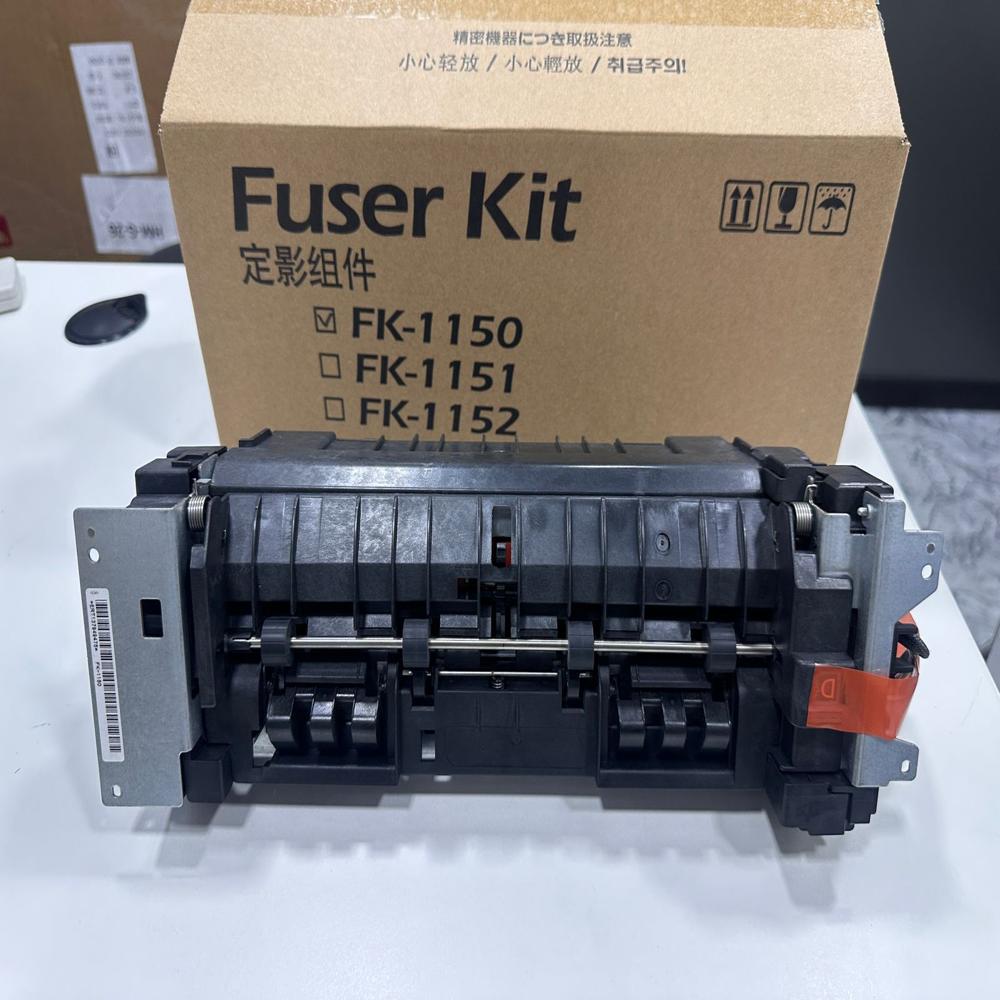
The Kyocera 2040 (Ecosys M2040dn) fuser unit (Part No.
FK-1150 /
FK-1152) is responsible for applying heat and pressure to permanently bond toner to paper. New compatible and original upgrades are engineered with hardened upper rollers to fix common issues like jams, toner smudging, and premature fuser film failure
- OEM Part Numbers: FK-1150 / FK-1152 (OEM part: 302RV93056)
- Rated Page Yield: 100,000 pages
- Voltage Rating: 220V - 240V for the Indian market
- Common Fixes: Resolves Error 7001, recurring ghosting, and paper curl/jams (especially during duplex printing
Seamless OEM CompatibilityThis genuine Kyocera fuser unit is meticulously engineered to integrate perfectly with compatible Kyocera laser printers. As an OEM-standard part, it guarantees optimal fit and function, supporting up to 40 pages per minute printing speeds (model dependent) and accommodating various paper sizes, including A4, A5, A6, Legal, and Letter.
Effortless Tool-Free InstallationThe FK-1150/1151/1152 fuser unit boasts a simple, drop-in replacement method that requires no tools. This allows users of all expertise levels to carry out maintenance quickly, reducing downtime and ensuring consistent print quality without professional intervention.
Built for Reliability and PerformanceWith a robust duty cycle supporting up to 100,000 printed pages, this long-life fuser maintains consistent fusing performance over time. It's packed in a protective, individually boxed package to prevent damage during shipping and storage, and a barcode label ensures traceability throughout the supply chain.
FAQ's of Kyocera 2040 Fuser unit new:
Q: How do I know when to replace the Kyocera 2040 fuser unit?
A: You should replace the Kyocera 2040 fuser unit when your printer displays an 'end of life' warning or when you begin to notice print defects, such as poor fusing or inconsistent print quality.
Q: What is the process for installing the fuser unit, and do I need any special tools?
A: Installation is designed to be straightforward and tool-free. Simply open the specified printer compartment, remove the old fuser, and drop in the replacement unit. No additional tools or technical expertise are required.
Q: When should the fuser unit be stored, and under what conditions?
A: If not installed immediately, store the fuser unit in its protective, individually boxed packaging, in a cool, dry place away from direct sunlight. This ensures its longevity and maintains optimal performance upon installation.
Q: Where can this fuser unit be used and with which printer models is it compatible?
A: This fuser is intended for use in Kyocera laser printers that support FK-1150, FK-1151, or FK-1152 units, providing reliable performance across a range of printer models and compatible paper sizes.
Q: What benefits does using an OEM fuser unit provide compared to non-OEM alternatives?
A: Genuine OEM fuser units offer assured compatibility, consistent fusing performance, reliable duty cycles, and easier installation compared to generic alternatives, reducing the risk of printer issues and safeguarding your device's longevity.
Q: How should I handle the fuser unit during transport or installation?
A: Always handle the fuser unit with care to prevent physical shock or exposure to static discharge. Keeping the unit in its original packaging until installation helps protect its components.
Q: What are the usage limitations regarding temperature and humidity for this fuser unit?
A: The fuser unit operates optimally within a temperature range of 15C to 35C and a non-condensing humidity range of 10% to 80%. Staying within these parameters ensures peak performance and reduces the risk of premature wear.
 Maharashtra, India







 Send Inquiry
 Send Inquiry
 Send SMS
 Call Me Free