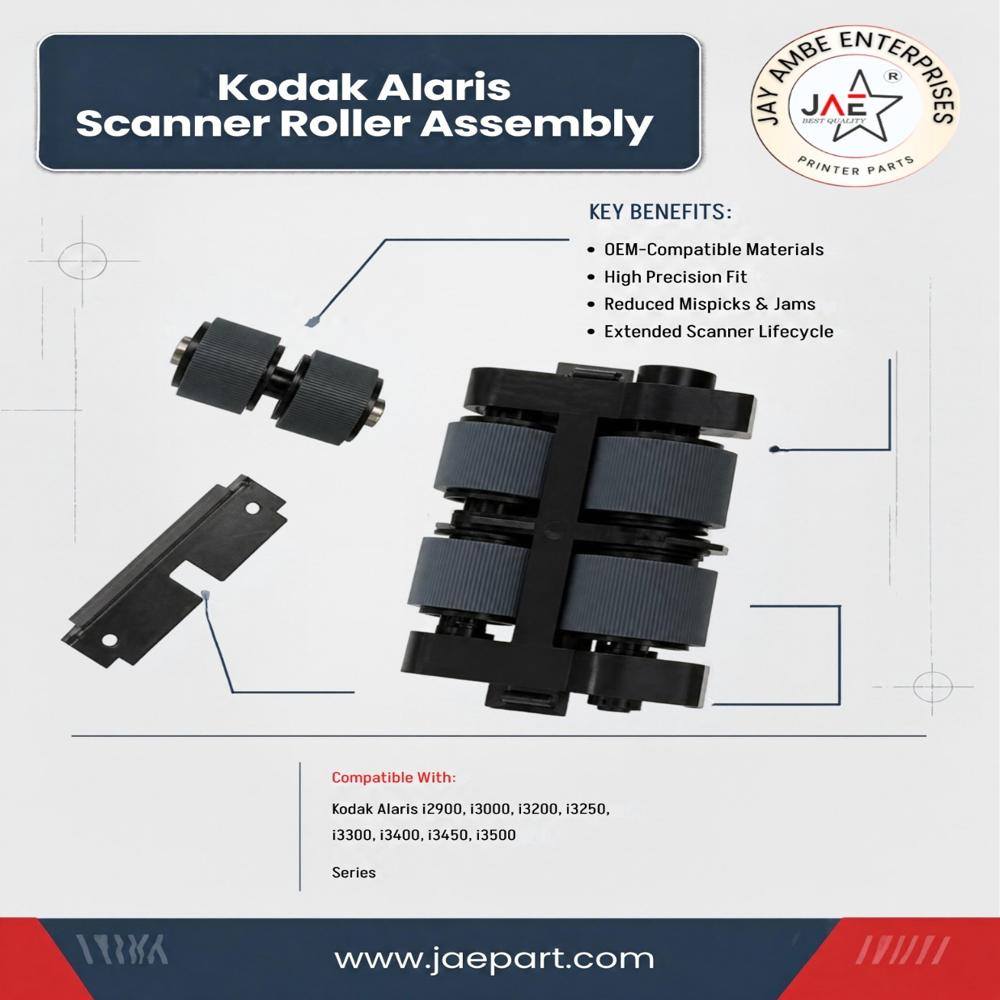
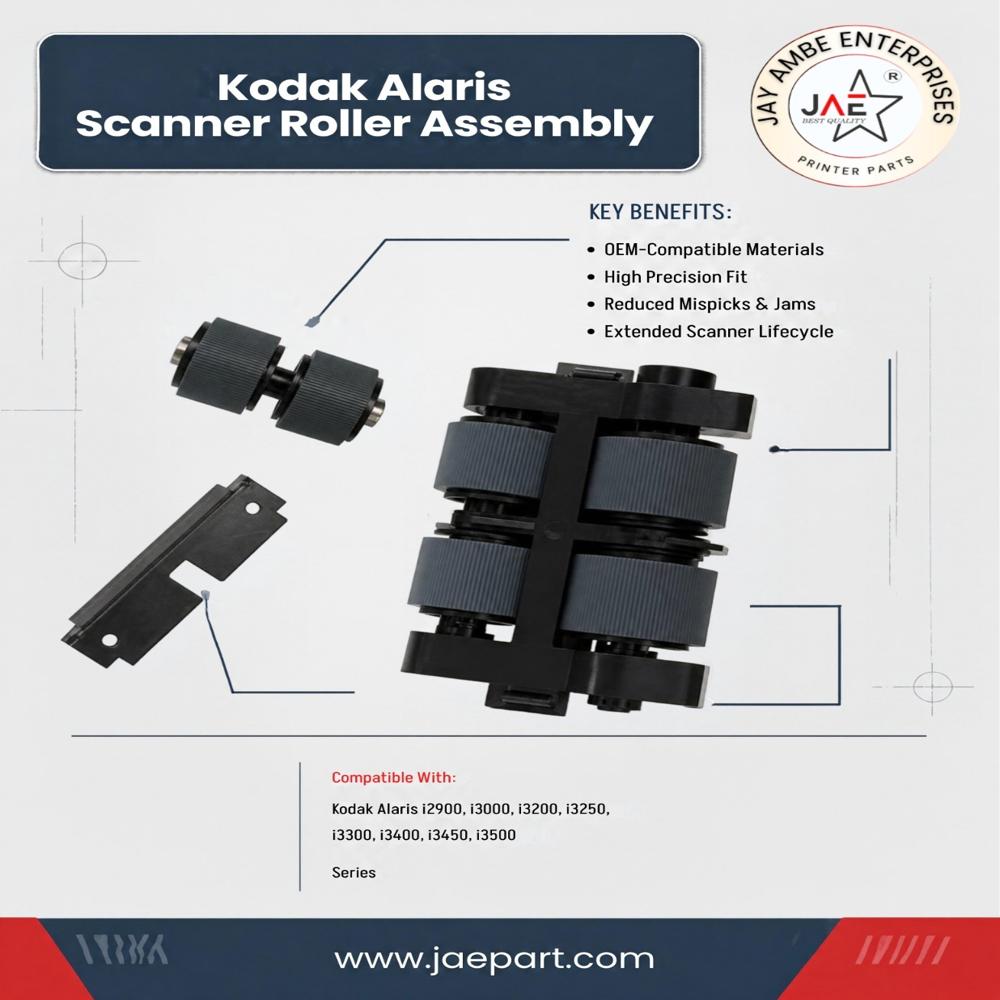
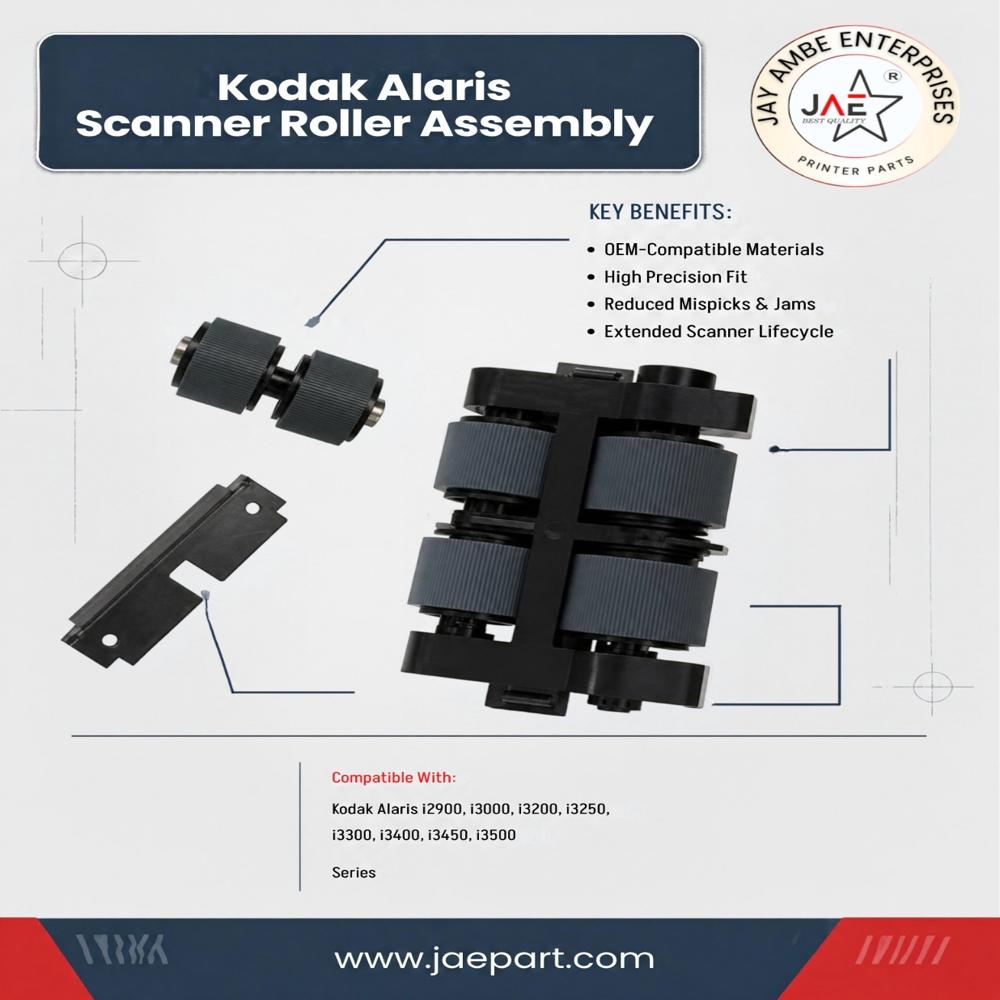
About Kodak Aiaris Scanner Roller Assembly L2900/L3000/L3200/L3250
The Kodak Alaris OEM Replacement Roller Kit for the
i2900, i3000, i3200, and i3250 series scanners is available under the official manufacturer part number
142-8101 (or alternate manufacturing part number
1299676). This essential maintenance kit handles document separation and high-volume intake, featuring a baseline duty cycle rated for approximately
1,000,000 scans before replacement is required
Sourced directly from document imaging specialists like The Scanner Shop or regional trade platforms like ScanBiz India. Provides factory-level production metrics and components meant to preserve scanning hardware lifecycle extension
A standard genuine Kodak Alaris consumable/exchange kit typically delivers a duty cycle of up to 1,000,000 scans and includes
High-Precision OEM-Compatible ConstructionCrafted with precise engineering, the Kodak Alaris Scanner Roller Assembly features OEM-compatible components, ensuring it matches the original equipment in both size and performance. This guarantees consistent scanning, minimal paper jams, and a reliable upgrade or replacement for your existing roller assembly.
Effortless Installation for Minimal DowntimeDesigned with user convenience in mind, this roller assembly can be installed and replaced easily without the need for advanced technical skills or specialized tools. Its straightforward process reduces operational downtime, making it ideal for businesses and maintenance teams aiming for efficiency.
FAQ's of Kodak Aiaris Scanner Roller Assembly L2900/L3000/L3200/L3250:
Q: How do I install the Kodak Alaris Scanner Roller Assembly?
A: The roller assembly is created for easy, tool-free installation. Simply follow the manufacturer's instructions by opening the scanner's roller compartment, removing the old roller, and securely fitting the new assembly into place. No special skills are needed.
Q: What scanner models are compatible with this roller assembly?
A: This roller assembly is suitable for Kodak Alaris scanner models L2900, L3000, L3200, and L3250, ensuring broad compatibility for users with these devices.
Q: When is it necessary to replace the scanner roller assembly?
A: It is recommended to replace the roller assembly when you notice increased paper jams, misfeeds, or after the scanner has completed the manufacturer's suggested usage cycles. Regular replacement helps maintain optimal scanner performance.
Q: Where should I store an unused roller assembly?
A: Store unused roller assemblies in a cool and dry environment to preserve their material integrity and prolong their shelf life.
Q: What benefits does using an OEM-compatible roller assembly offer?
A: Using a high-quality OEM-compatible roller assembly provides a precise fit, extended scanner lifespan, reduced misfeeds and jams, and preserves the efficiency and reliability of your scanner.
Q: What role does the roller assembly play in scanner maintenance?
A: The roller assembly is essential in feeding paper smoothly through the scanner, minimizing errors, and reducing wear on internal components. Regular replacement ensures consistent scanning quality and prevents operational disruptions.
Q: Can this roller assembly be used by dealers and maintenance professionals?
A: Yes, this roller assembly is designed for use by a variety of users, including dealers, distributors, maintenance professionals, and end-users seeking reliable scanner maintenance or replacement parts.
 Maharashtra, India







 Send Inquiry
 Send Inquiry
 Send SMS