About BROTHER HL-L2321D DOOR SENSOR PAPAR EJECT SENSOR BOARD
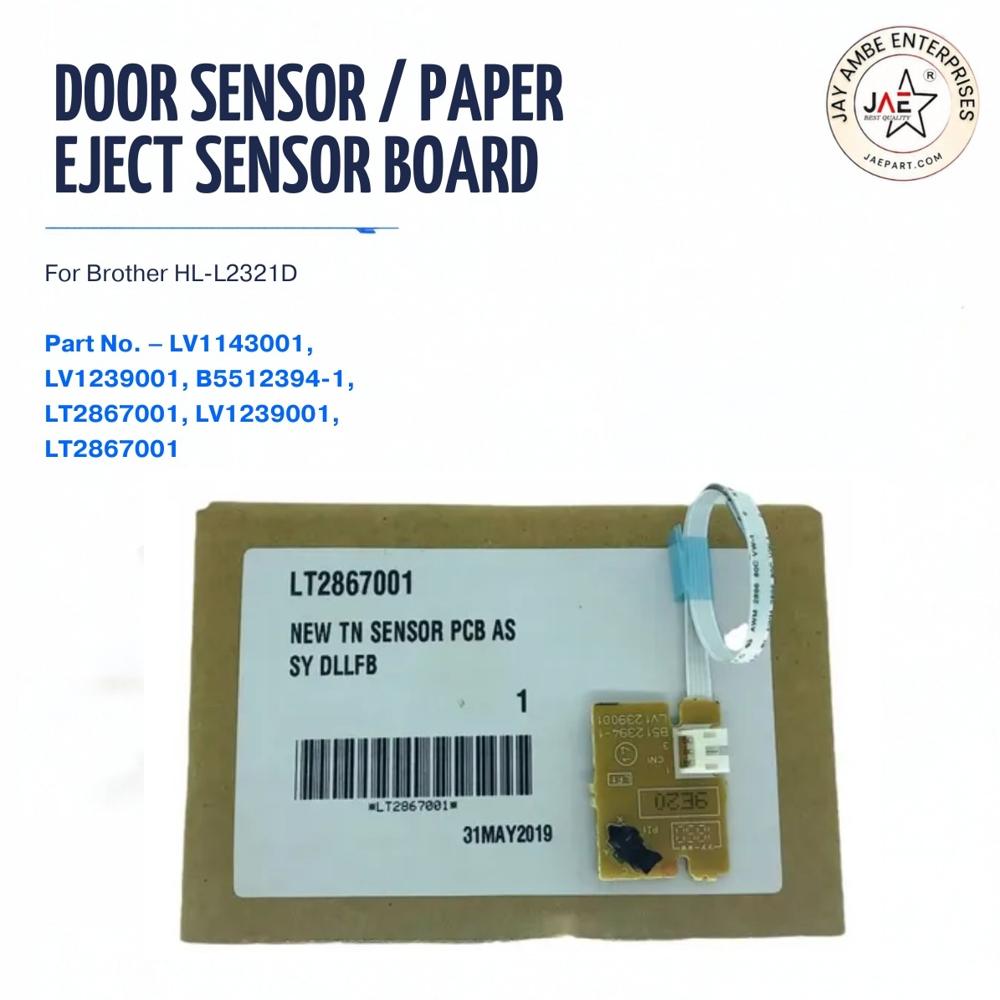
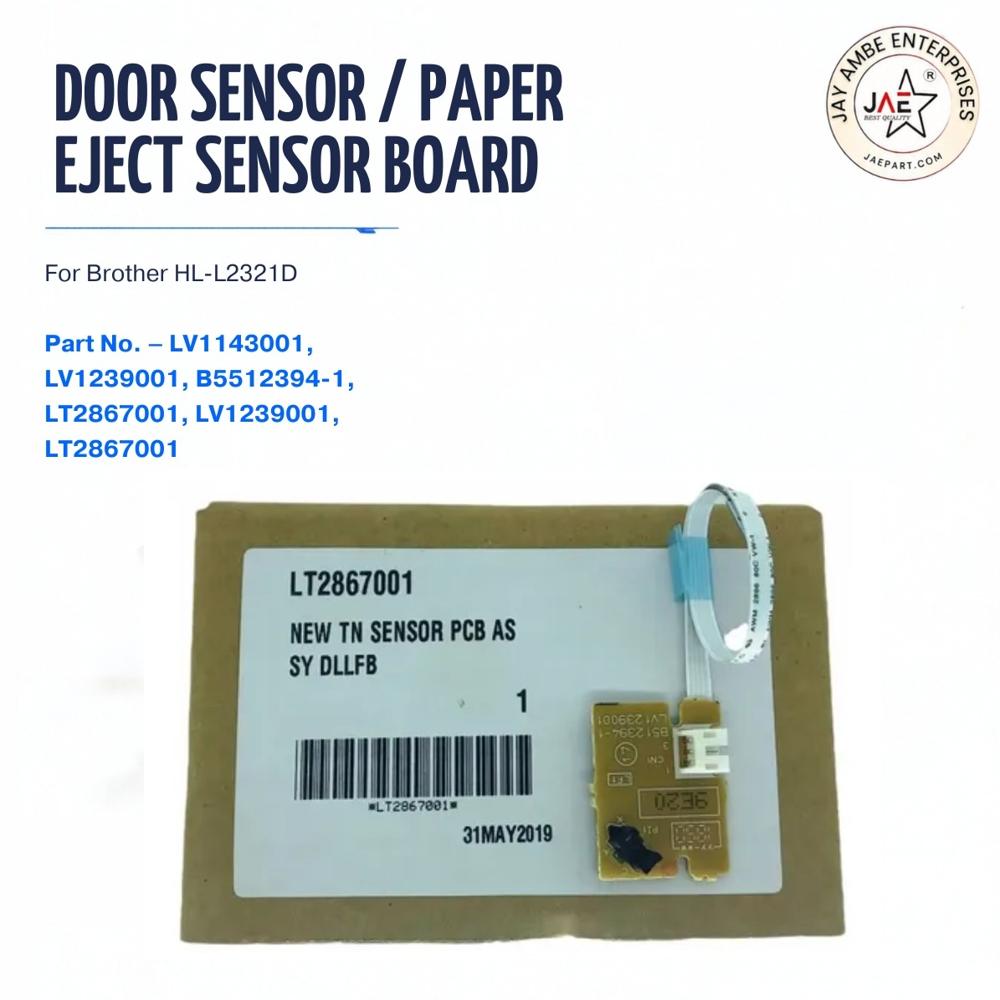
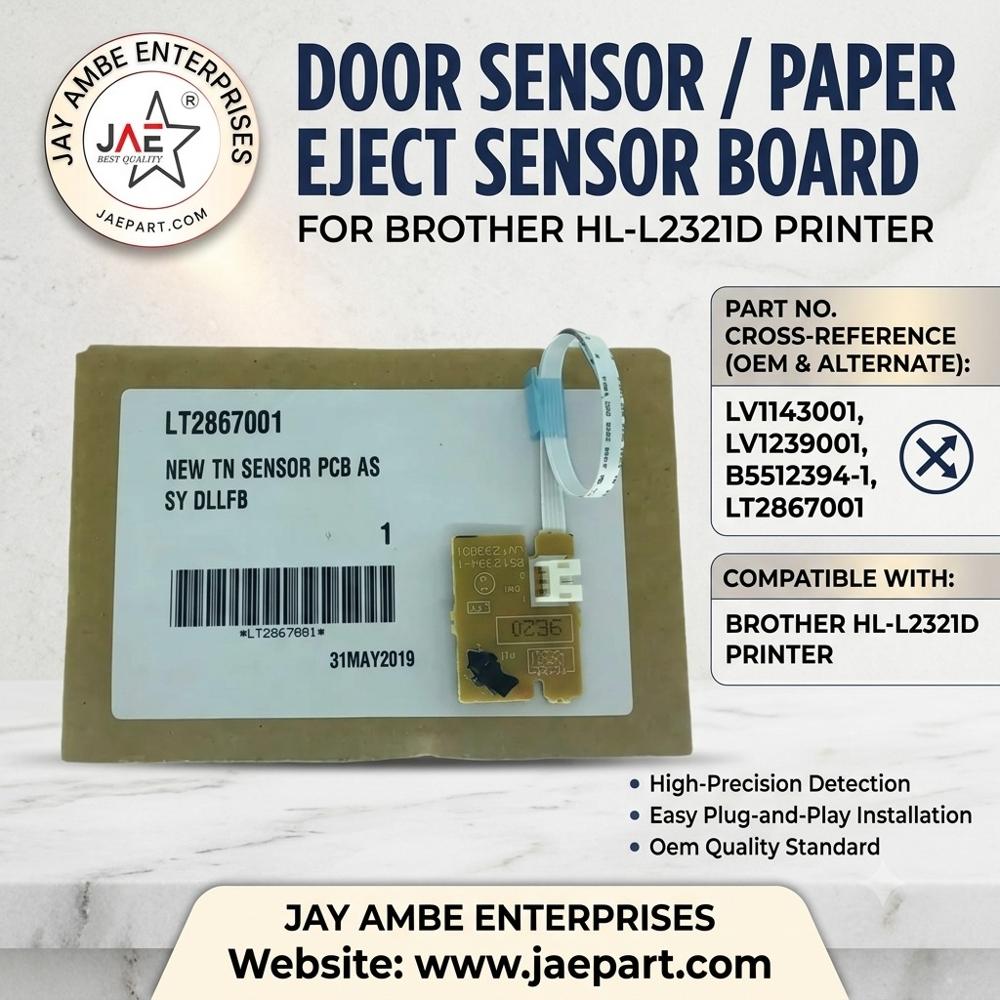
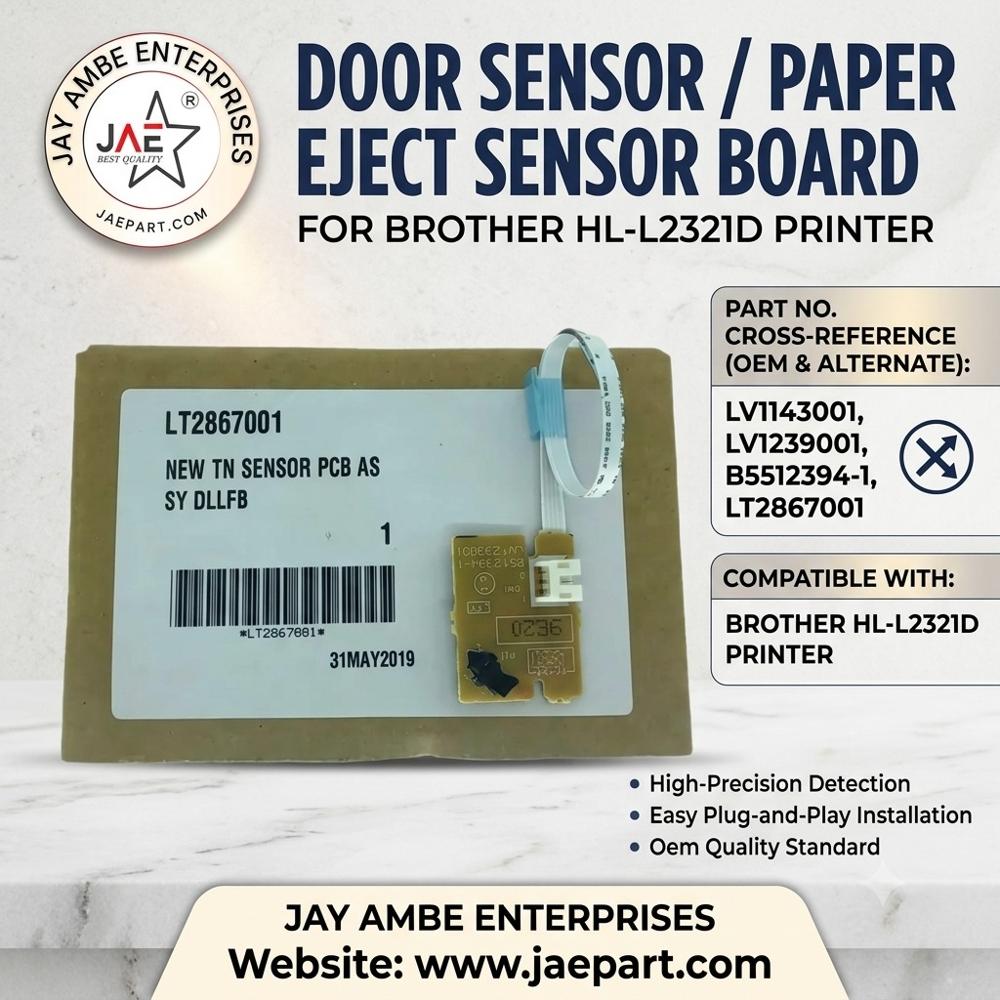
The Brother HL-L2321D Door Sensor and Paper Eject Sensor Board is an internal component that detects cover closure and paper movement as sheets exit the printerOptical interrupt sensor mounted on a small FR4 PCB with integrated detection circuitry
Optical interrupt sensor mounted on a small FR4 PCB with integrated detection circuitry
Green PCB with a black optical or mechanical sensor mechanism
Fix paper detection errors, cover open messages & paper exit sensor faults instantly. High-quality sensor board ensures accurate paper movement detection
Seamless Replacement and Easy InstallationThe TN sensor PCB assembly offers exact compatibility with Brother HL-L2321D printers. Designed as a plug-and-play part, it connects easily to the main board using a ribbon cable. Clear packaging labeling and barcoding contribute to effortless identification and faster installation, ensuring minimal downtime for users.
Precision Detection and Genuine QualityEngineered for high sensitivity, this board ensures precise detection of paper and door status within your Brother printer. Produced to original specifications, it maintains the performance expected from genuine, unused parts. Rigorous packing and quality measures protect the sensor during shipping and storage.
FAQ's of BROTHER HL-L2321D DOOR SENSOR PAPAR EJECT SENSOR BOARD:
Q: How do I install the BROTHER HL-L2321D Door Sensor/Paper Eject Sensor Board?
A: The sensor board is designed for straightforward installation. Simply disconnect your printer's power, remove the original sensor PCB, and connect the replacement board to the main PCB using the supplied ribbon cable. No soldering or advanced technical skills are required.
Q: What printer models are compatible with this sensor board?
A: This sensor board is specifically compatible with the Brother HL-L2321D monochrome laser printer. It uses part numbers LT2867001, LV1143001, LV1239001, and B5512394-1 for identification.
Q: When should I consider replacing the sensor board in my printer?
A: Replacement is recommended if your printer consistently fails to detect paper or if there are repeated door open errors not resolved by basic troubleshooting. Installing a new sensor board can quickly restore normal functionality.
Q: Where is the BROTHER HL-L2321D sensor board typically located inside the printer?
A: The sensor board is usually located near the printer's paper output or door mechanism, and it connects to the main circuit board using a ribbon cable. Consult a service manual or your printer's user guide for precise positioning.
Q: What are the benefits of using this genuine sensor board?
A: Using this genuine board ensures optimal print performance, high sensitivity for accurate detection, easy installation, and consistent reliability. It also preserves your printer warranty by utilizing an exact OEM-quality component.
Q: How should I store the sensor board before installation?
A: Store the sensor PCB in a dry, anti-static environment, away from direct sunlight and moisture. Each board is individually packed to facilitate safe storage and handling until installation.
Q: What processes are followed to guarantee product quality?
A: Each sensor board is manufactured to precise OEM standards, individually inspected, labeled with a barcode and date, and securely packed to avoid damage and maintain authenticity throughout distribution.
 Maharashtra, India







 Send Inquiry
 Send Inquiry
 Send SMS
 Call Me Free