About FUJITSU FI 7160 OUTPUT TRAY
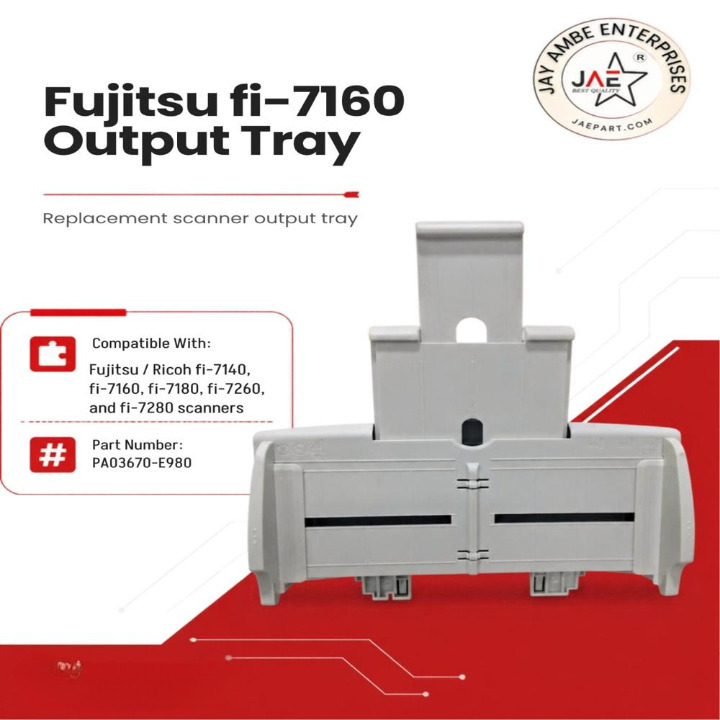
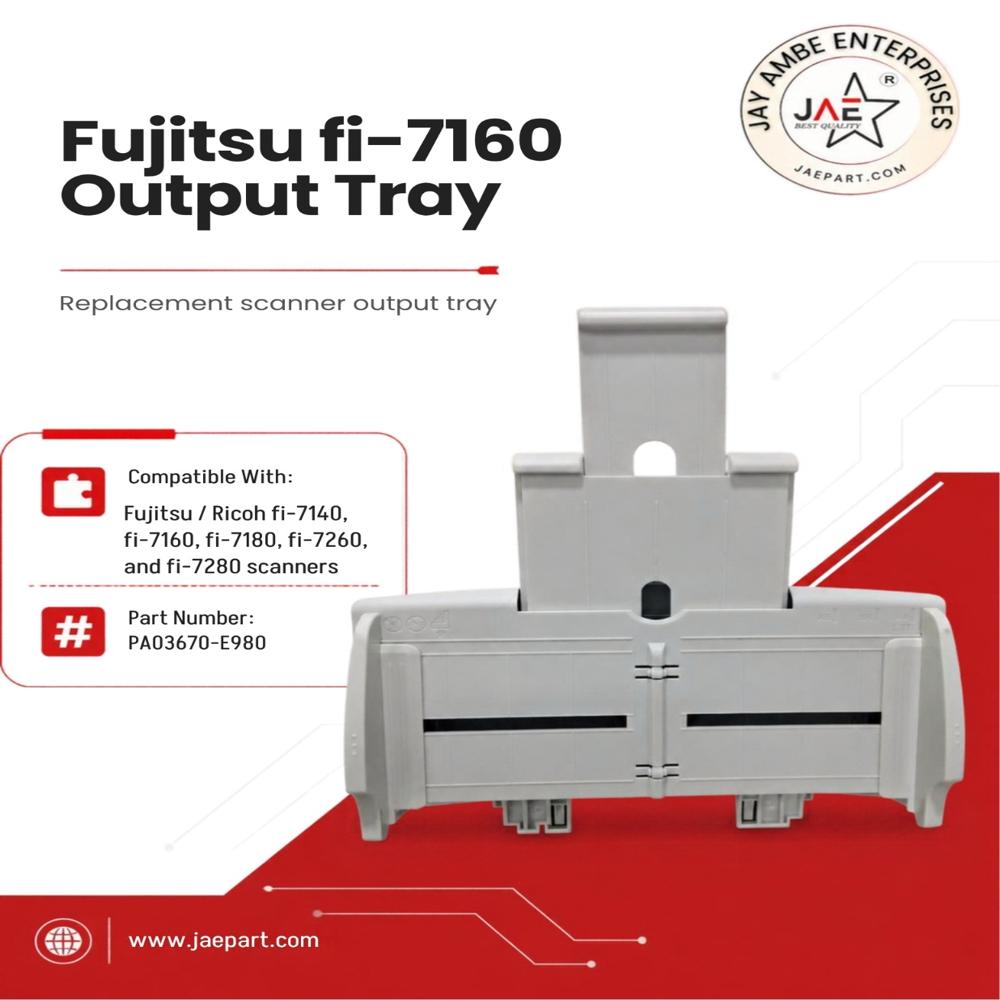
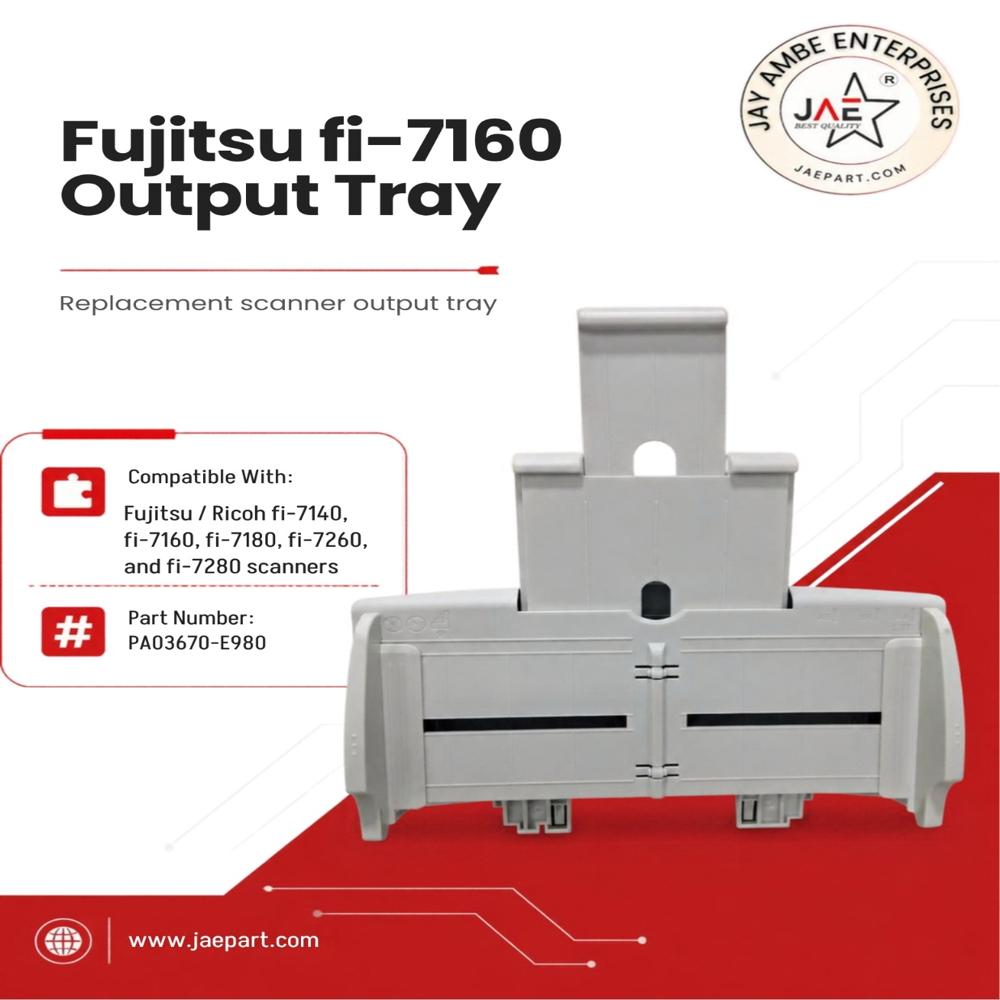
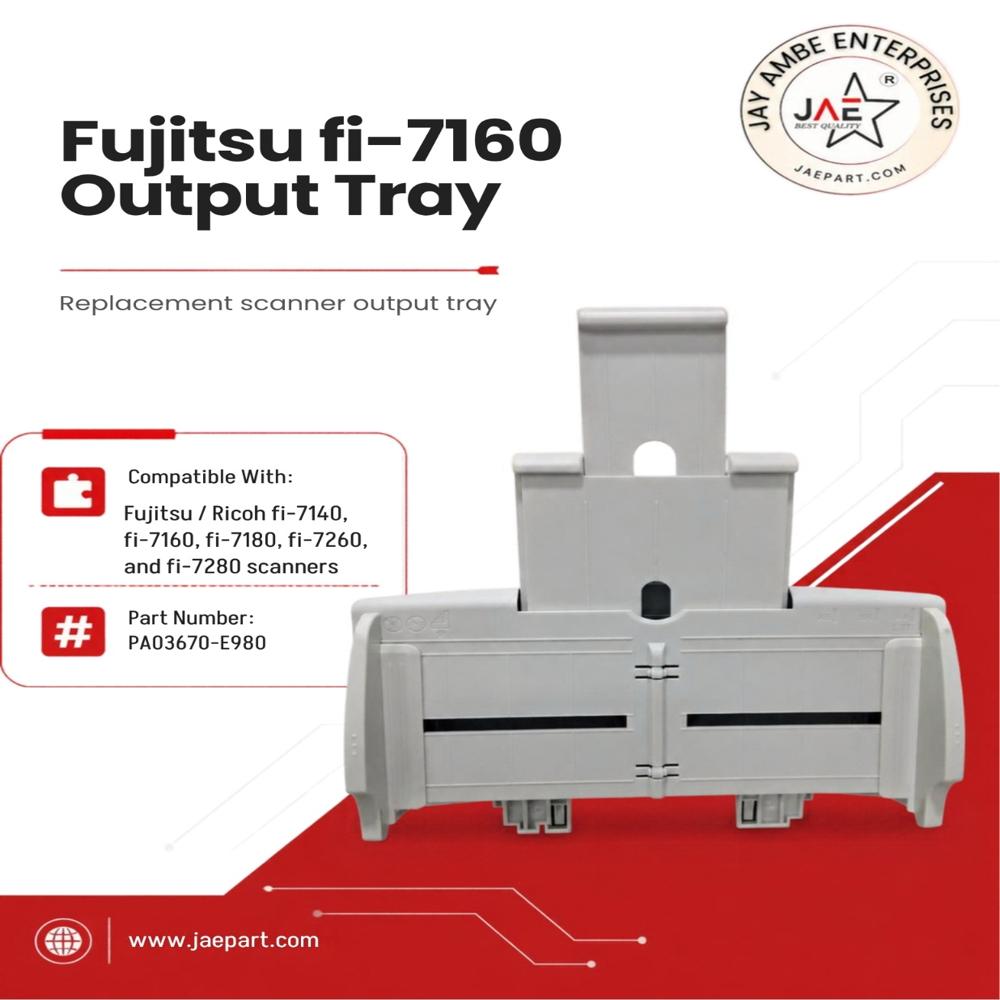
The Ricoh (Fujitsu) Stacker Output Tray for the Fujitsu fi-7160 scanner is officially designated with part number PA03670-E980: Extends from the front of the scanner to catch, stack, and organize scanned documents so they do not fall to the floor.Designed specifically for the
Sonilco OEM PA03670-E980 Paper Output Tray Stacker which fits the Fujitsu fi-7140, fi-7160, fi-7260, fi-7180, and fi-7280 models.
The Fujitsu fi-7160 output tray catches and organizes scanned documents to keep them from falling and can extend up to a maximum depth of 27.56 inches (700 mm) during operation Effortless InstallationInstalling the FUJITSU FI 7160 OUTPUT TRAY requires no tools due to its snap-fit design. This feature allows users to quickly replace or attach the tray without professional assistance, making it a convenient solution for various office environments. The tray fits perfectly with the fi-7160 series, ensuring stable document collection.
Durable and Reliable ConstructionManufactured from high-quality ABS plastic, the tray is engineered to withstand extensive use. Its robust design can support up to 10,000 kg, making it ideal for busy office settings where frequent scanning and document handling are essential. The plain white finish maintains a professional look for any workspace.
Optimized for Maintenance and LongevityKeeping the output tray clean is straightforward and requires only a damp cloth. Avoiding harsh chemicals helps maintain the integrity and longevity of the ABS material. Following simple storage instructions, such as keeping it in a dry area away from direct sunlight, ensures years of dependable performance.
FAQ's of FUJITSU FI 7160 OUTPUT TRAY:
Q: How do I install the FUJITSU FI 7160 OUTPUT TRAY on compatible scanners?
A: The tray is designed for tool-free, snap-fit installation. Simply align it with your Fujitsu fi-7160 series scanner and press it into place until securely fitted. No special tools or professional assistance are required.
Q: What models are compatible with the FI-7160-TRAY output tray?
A: This output tray is compatible with Fujitsu fi-7160, fi-7180, fi-7260, and fi-7280 scanners, fitting each model seamlessly for efficient document collection.
Q: When should I consider replacing my scanner's output tray?
A: Replacement is recommended if the original tray is damaged, missing, or no longer reliably collects scanned documents. Immediate availability ensures you can replace your tray without delay.
Q: Where should I store the FUJITSU FI 7160 OUTPUT TRAY to preserve its durability?
A: Store the tray in a dry location and avoid exposure to direct sunlight. These precautions help maintain the quality of the ABS plastic and prolong the tray's lifespan.
Q: What is the maintenance process for the FI-7160-TRAY output tray?
A: Routine cleaning involves wiping the tray with a damp cloth. Do not use harsh chemicals, which could damage the ABS plastic. This ensures the tray remains in good condition.
Q: How does the output tray benefit scanner usage and document organization?
A: The tray efficiently collects and organizes scanned documents, preventing them from scattering and ensuring a neat workflow. Its durable construction supports heavy-duty use in fast-paced environments.
Q: Is the tray readily available for immediate delivery?
A: Yes, the output tray is in ready stock, and can be delivered immediately through authorized dealers, distributors, suppliers, and retailers.
 Maharashtra, India









 Send Inquiry
 Send Inquiry
 Send SMS
