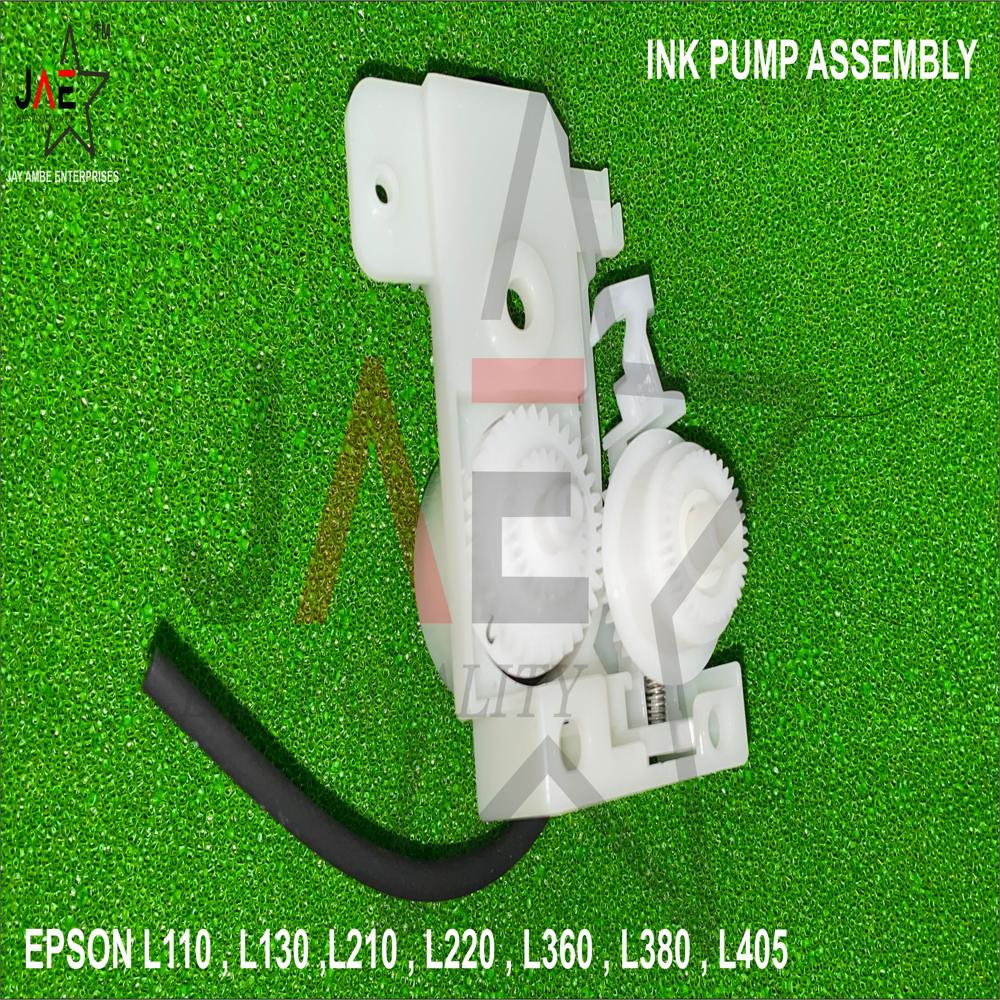
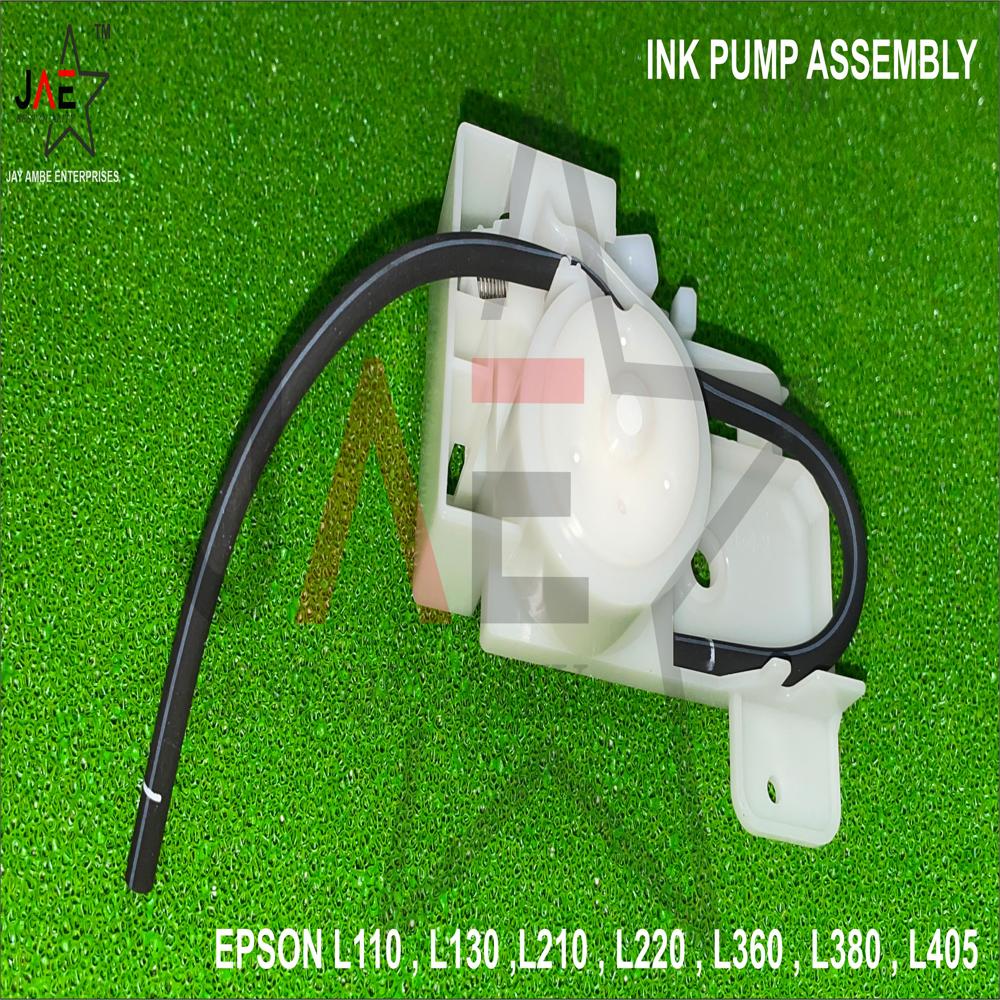
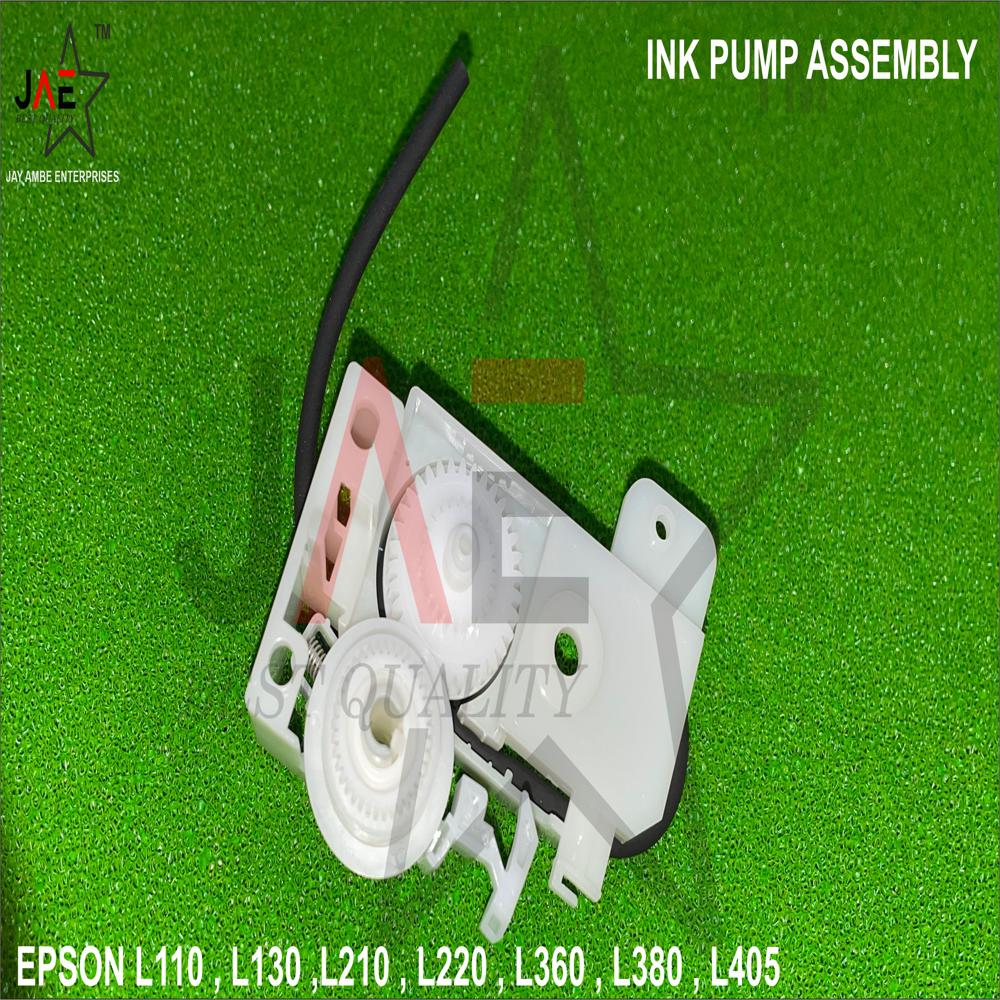
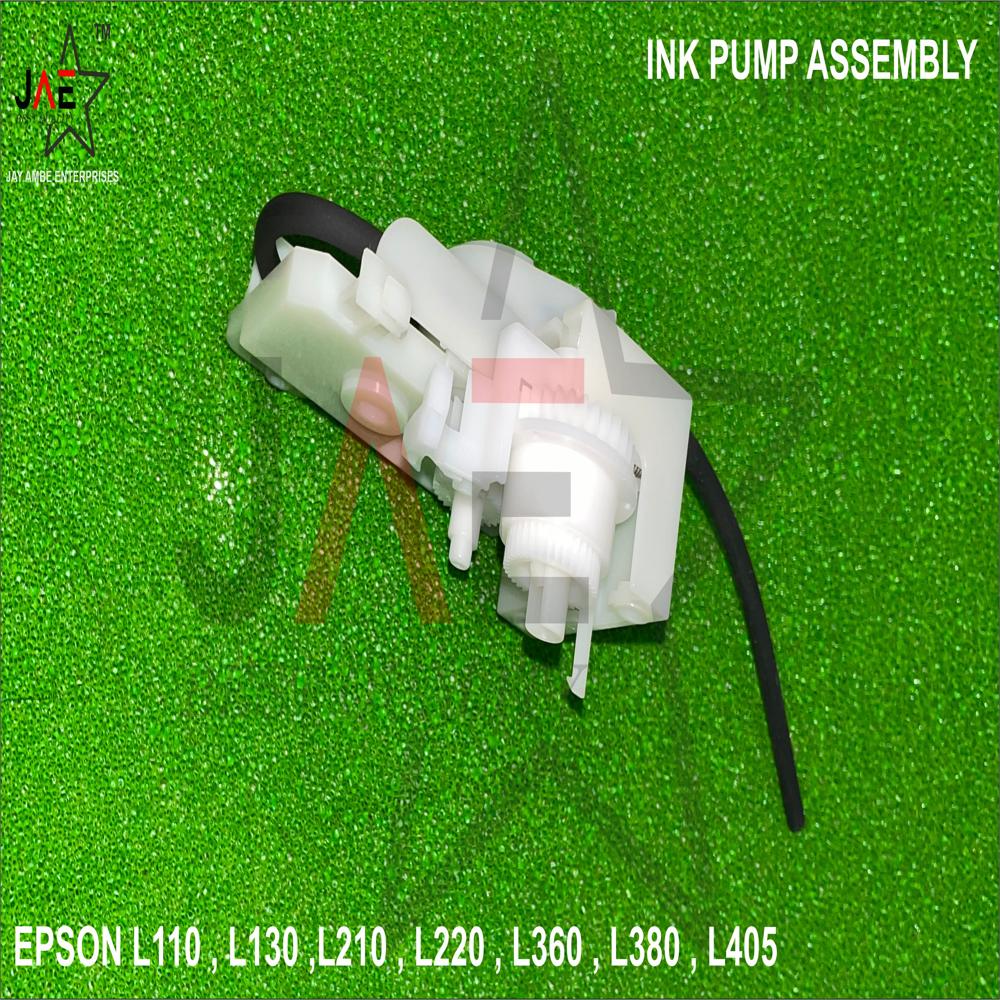
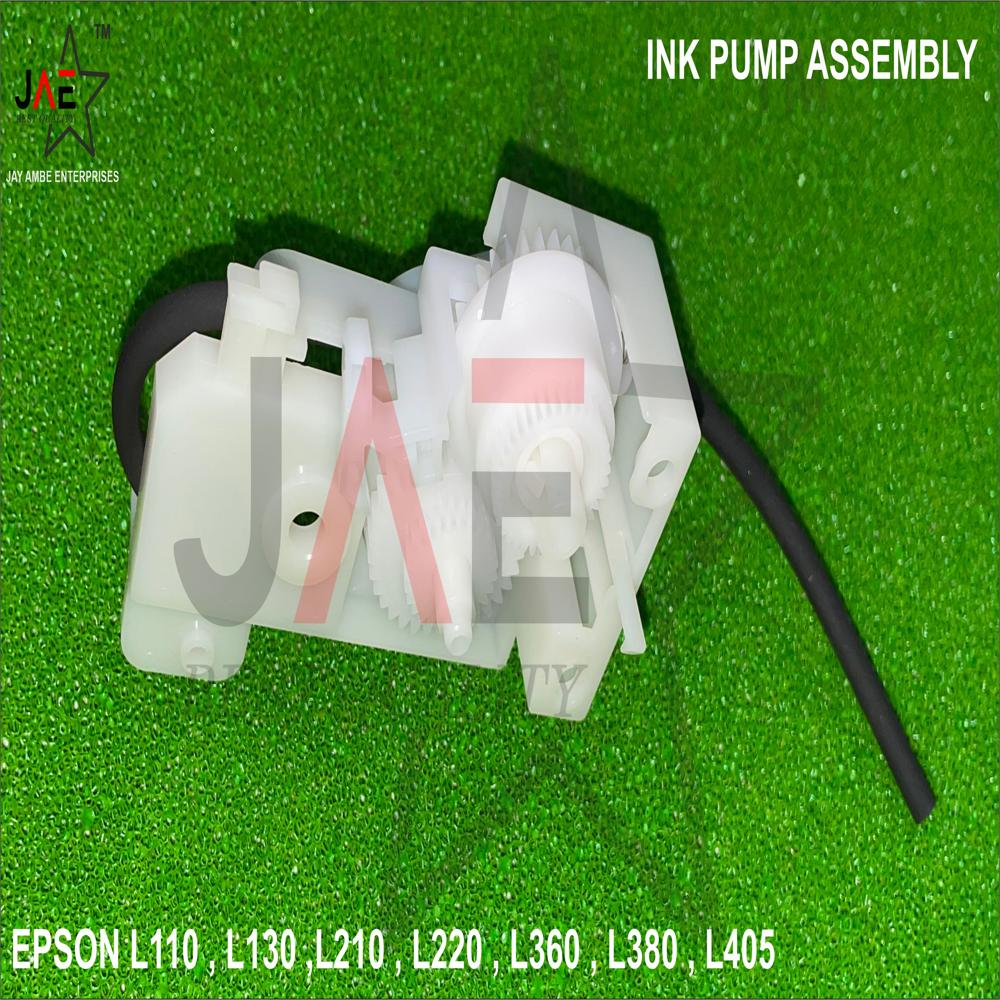
About EPSON L210 INK PUMP ASSEMBLY
Explore radiant performance with the EPSON L210 Ink Pump Assembly, meticulously engineered for elite inkjet printer reliability. Crafted using high grade engineering plastic and durable rubber, this unbeatable OEM-compatible component ensures direct ink suction and pumping, essential for peak printer function. Its robust design is fitted inside the printer pump section and suits multiple Epson models, making it an ephemeral yet indispensable part. Enjoy the benefits of easy installation, long lifespan, low noise, and remarkable durability for every batch printed-ideal for professionals seeking efficiency and excellence.
Versatile Application and Direction of Use
The EPSON L210 Ink Pump Assembly is designed for installation inside the printer pump section, ensuring seamless integration within Epson inkjet printers. Its principal area of application is direct ink suction and pumping, vital for continuous, high-quality printing tasks. To use, align the assembly in the designated pump section and secure it according to your printer's instructions. It's compatible with both dye and pigment inks, making it a radiant choice for varied printing surfaces and tasks across professional environments.
Sample Policy, Certifications & Logistics
Our EPSON L210 Ink Pump Assembly offers a transparent sample policy, ensuring buyers can evaluate before committing to bulk orders. Each unit is quality-certified for unbeatable performance and reliability. Stock is ready, with streamlined logistics and swift delivery supported across India. Standard delivery time ranges from 2-4 days, thanks to robust shipping partners and strong inventory management. Every assembly is securely packaged in poly packs with protective wrapping, guaranteeing safe arrival every time.
FAQ's of EPSON L210 INK PUMP ASSEMBLY:
Q: How is the EPSON L210 Ink Pump Assembly installed within the printer?
A: The EPSON L210 Ink Pump Assembly is fitted inside the printer's pump section. Simply follow the installation instructions from your printer's manual for a secure, correct fit, ensuring optimal ink flow and printer performance.
Q: What models are compatible with this ink pump assembly?
A: It is compatible with Epson L110, L210, L300, L355, and L550 inkjet printer models, making it versatile for various printer setups. Verify your model to ensure a perfect match.
Q: When should maintenance be performed on this pump assembly?
A: Periodic cleaning is recommended to maintain peak operation. Consult your printer's maintenance schedule or monitor print quality-regular care ensures durability and longevity.
Q: Where is the ideal area for installing this component?
A: Install the pump assembly in the designated inside printer pump section. Detailed location guidance is available in your printer's technical documentation.
Q: What is the lead time for delivery after ordering?
A: The typical delivery time is between 2-4 days after confirmation, with stock ready for quick dispatch and trustworthy logistics across India.
Q: How does this assembly benefit inkjet printing?
A: This component guarantees efficient direct ink suction and pumping, resulting in consistent, high-quality prints and reducing the risk of printing interruptions.
 Maharashtra, India








 Send Inquiry
 Send Inquiry
 Send SMS
 Call Me Free
