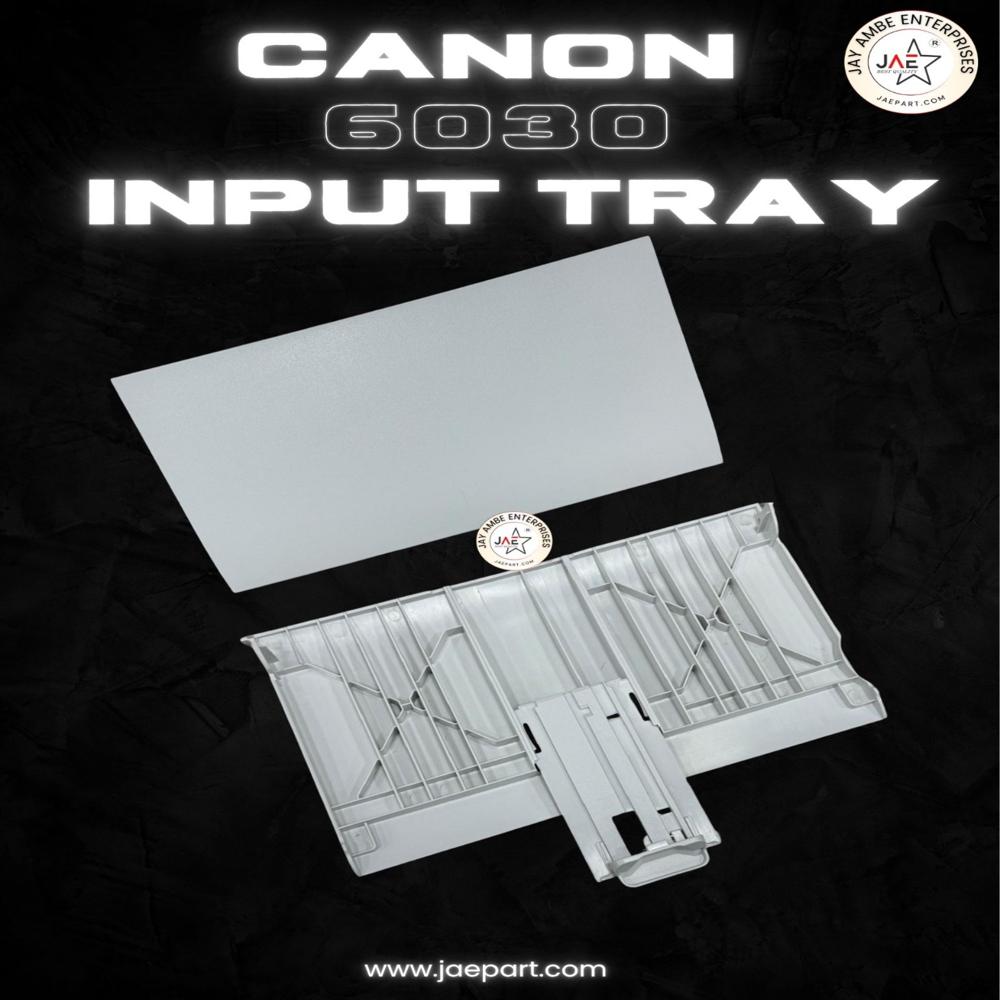
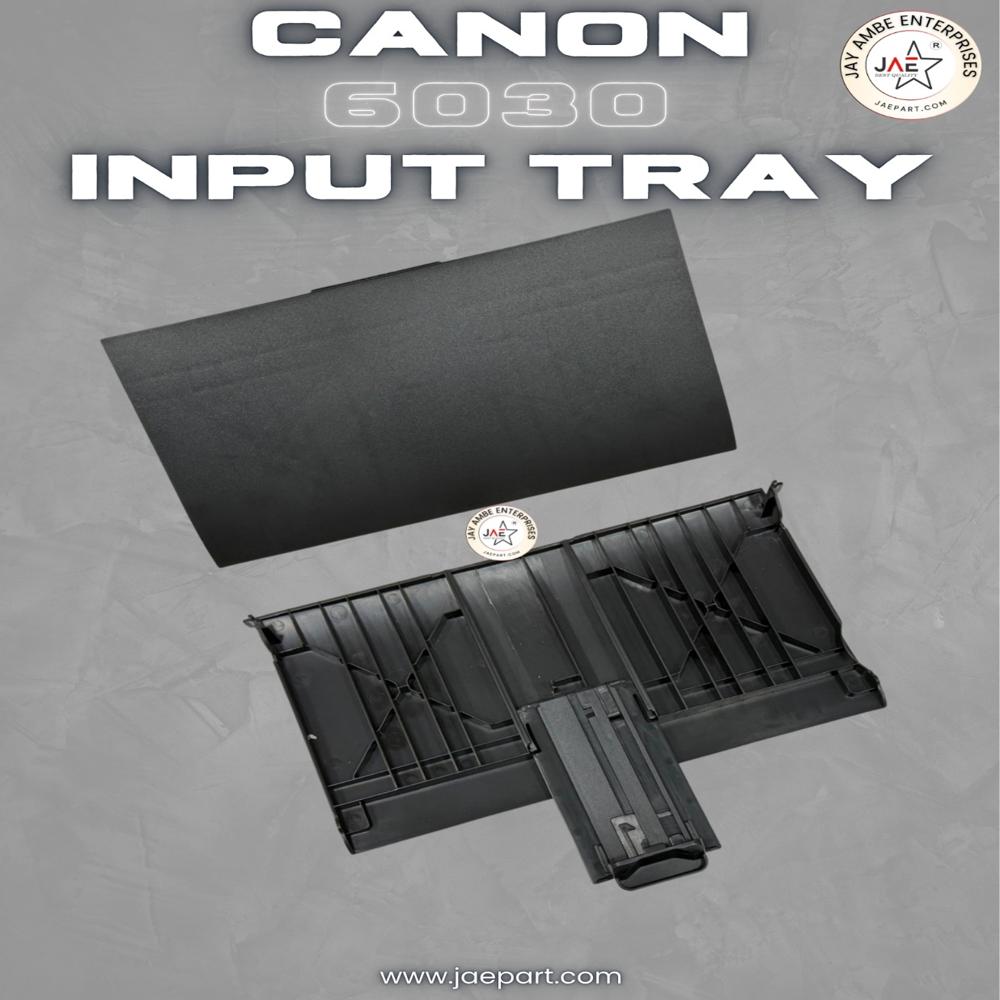
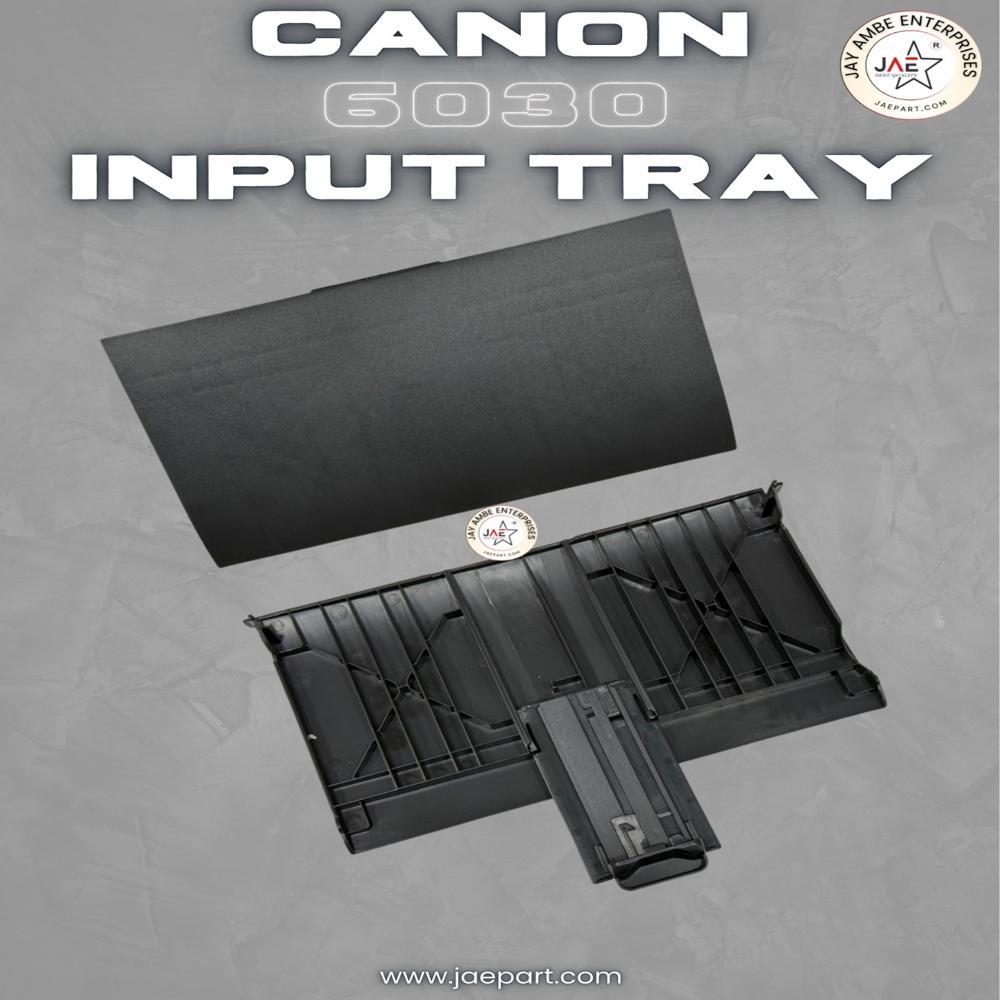
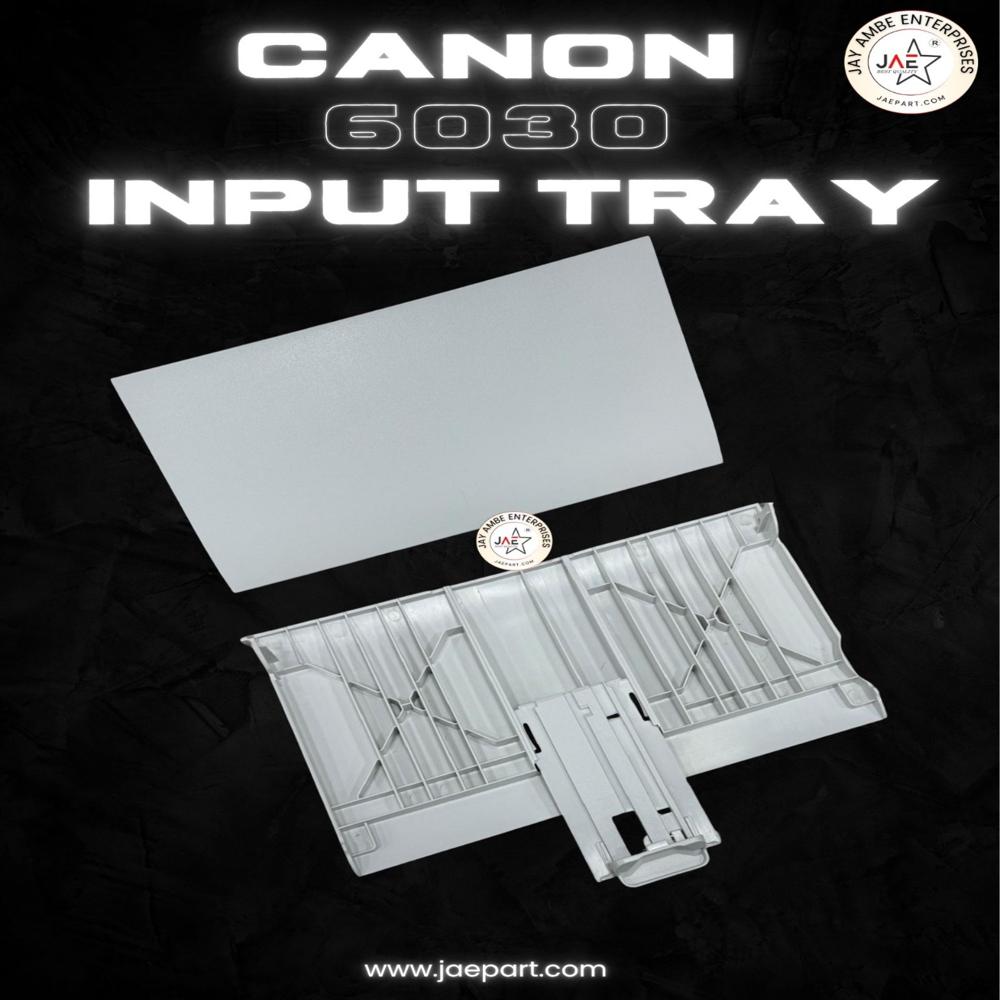
About canon 6030 INPUT TRY
The Canon LBP 6030 (including LBP 6030B/6030w variants) features a fold-out
Multi-Purpose Tray located at the front of the printer. It holds up to
150 sheets of standard A4 plain paper. It handles media like heavy paper, envelopes, and labels, supporting a maximum weight of up to 163 g/m
- Capacity: 150 sheets (A4, Letter, Legal, etc.).
- Paper Types: Plain paper, Heavy paper, Transparency, Labels, and Envelopes.
- Paper Weight: 60 to 163 g/m.
- Loading Orientation: Load paper face-up, aligning it to the center using the built-in paper guides.
- Output Tray: Capable of catching and stacking up to 100 sheets (face-down) as they exit. [1, 2, 3, 4, 5]
-
he multipurpose input tray adjusts to hold a variety of cut-sheet media formats, including:
- A4, B5, A5, Legal, Letter, Executive, 16K
- Envelopes: Monarch, COM10, DL, C5
For a full breakdown of settings and driver instructions, you can review the official Canon Loading Paper Guide.
If you are looking to replace a damaged or missing tray, third-party aftermarket cassettes are available online
Effortless InstallationFeaturing a toolless, snap-fit design, the Canon 6030 Input Tray can be installed quickly without specialized tools. Its intuitive mechanism ensures a secure fit with minimal effort, reducing downtime and helping you resume printing almost immediately. This makes it a preferred choice for professionals seeking convenience.
Superior Quality and CompatibilityManufactured from premium-quality plastic, this black input tray matches Canon's original standards. It is compatible with several devices, including LBP6030, LBP6030B, and LBP6030w. Its standard dimensions ensure a perfect fit, while the matte finish enhances durability and adds a sleek touch to your printer.
FAQ's of canon 6030 INPUT TRY:
Q: How do I install the Canon 6030 Input Tray?
A: The tray features a toolless, simple snap-fit design. Just align it with the printer slot and gently press it into place until you hear a click, indicating it's securely installed. No additional tools or technical expertise are required.
Q: What devices are compatible with the Canon 6030 Input Tray?
A: This input tray is specifically designed for Canon ImageCLASS LBP6030, LBP6030B, and LBP6030w laser printers. Always confirm your printer model before purchase to ensure compatibility.
Q: When should I replace the input tray in my printer?
A: Replacement depends on usage and wear. If you notice feeding issues, tray damage, or decreased capacity, it's advisable to replace the tray. The durable build allows for a lengthy replacement cycle, as per your usage patterns.
Q: Where should I store the Canon 6030 Input Tray before installation?
A: Store the tray in a cool, dry place, away from direct sunlight to preserve its material integrity and prevent warping or discoloration before use.
Q: What is the capacity of this input tray and which paper sizes does it support?
A: The Canon 6030 Input Tray can hold up to 150 sheets and supports A4, Letter, and Legal paper sizes, ensuring versatile use for various printing needs.
Q: How does using a genuine Canon OEM input tray benefit me?
A: A genuine Canon OEM tray ensures precise fitment, silent operation, and long-term durability, reducing the risk of feeding issues and maximizing your printer's performance.
Q: What should I do if the input tray becomes noisy during operation?
A: Although the tray is designed for silent operation, if unusual noise occurs, check for any debris or incorrect installation. If the issue persists, replacing the tray with a genuine OEM part is recommended for optimal performance.
 Maharashtra, India







 Send Inquiry
 Send Inquiry
 Send SMS