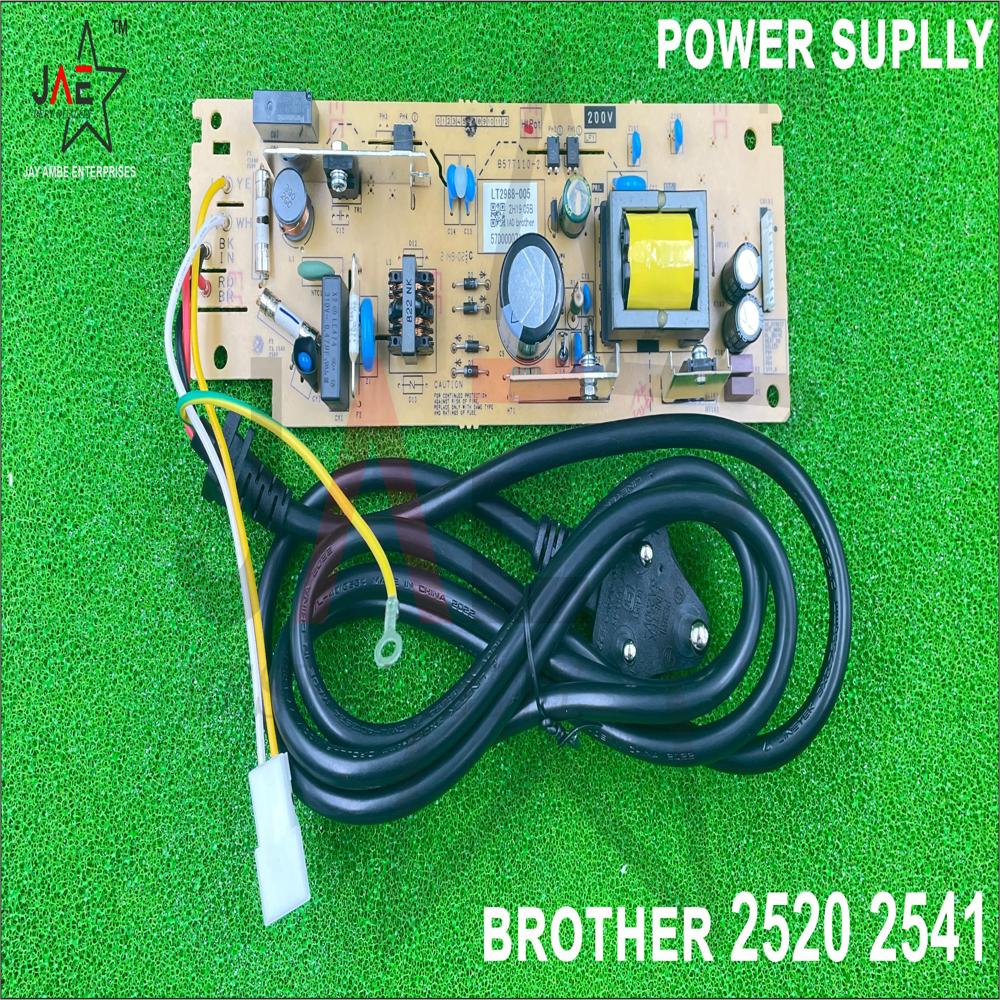
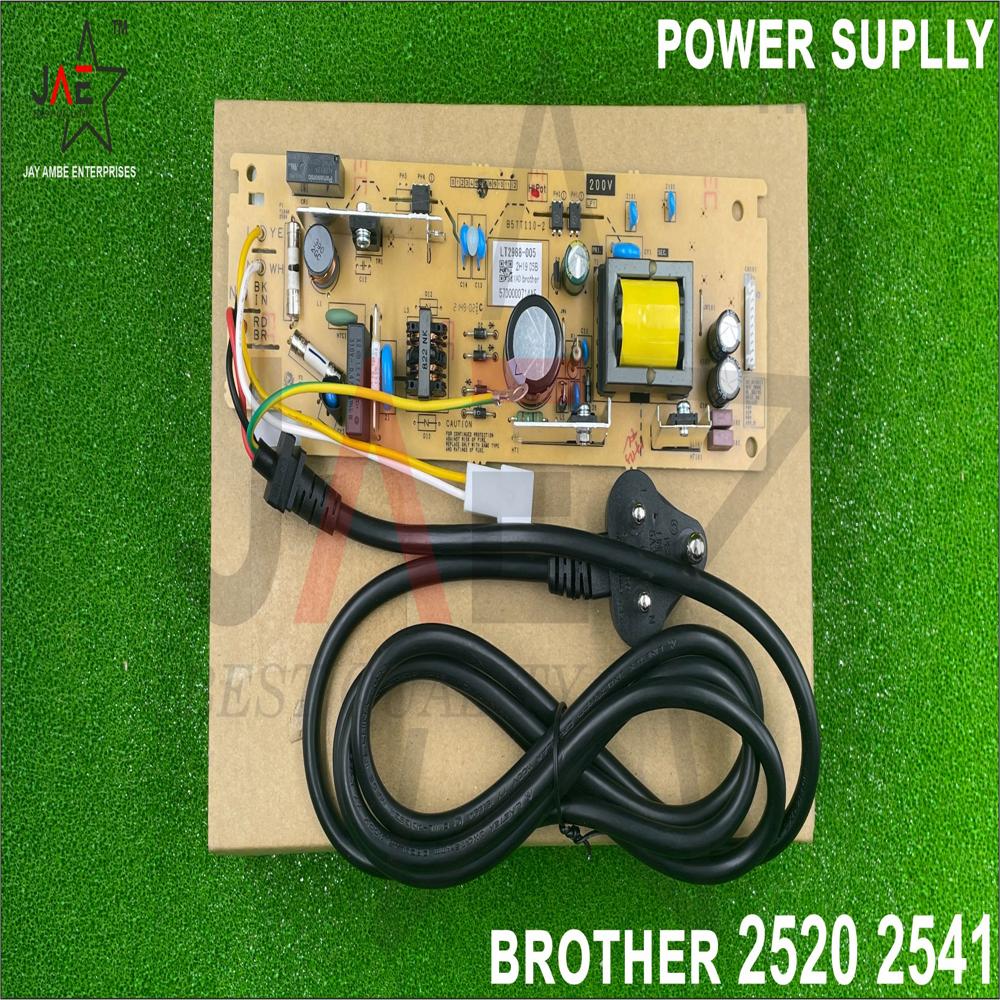
About Brother DCP-L2520D / DCP-L2541DW / L2321D / 2541 HVPS (LV1243001) High Voltage Power Supply Board
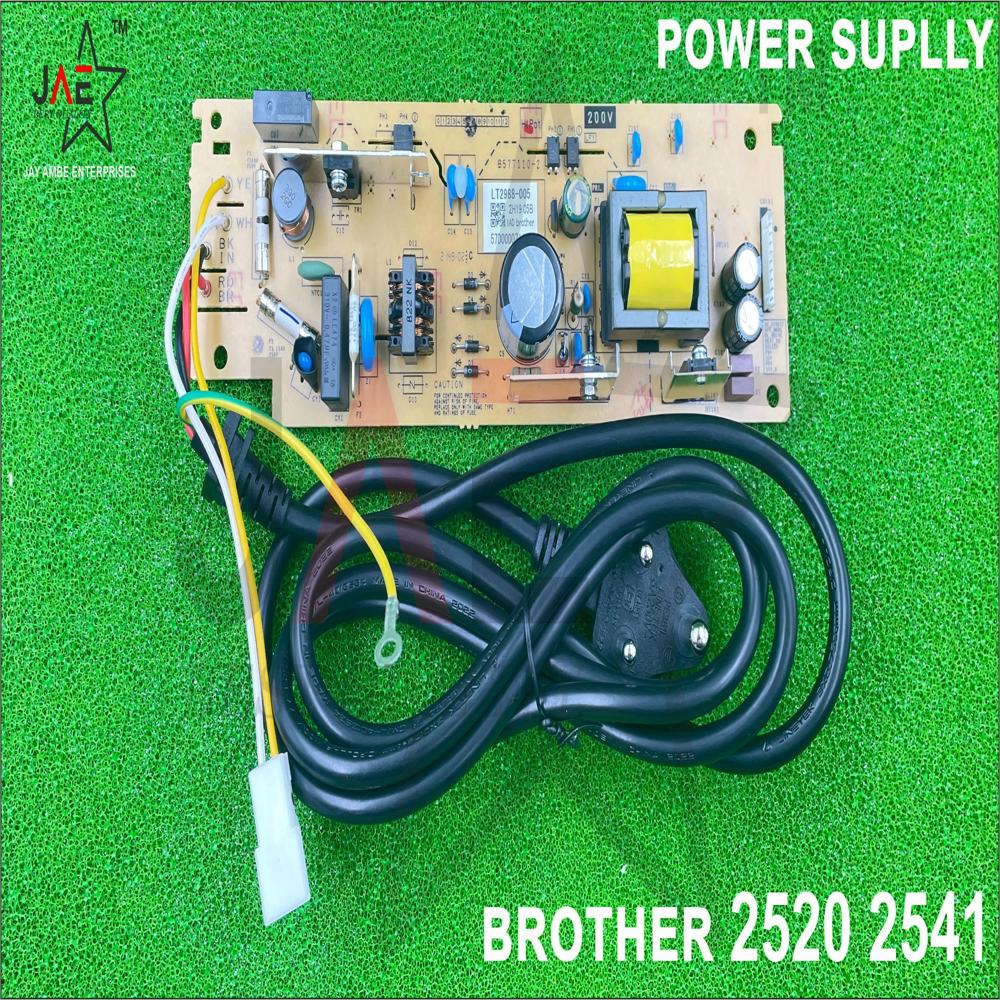
The Brother DCP-L2520D/DW power supply is a dedicated Switch Mode Power Supply (SMPS) board, often identified by part number LV1241001. Designed for 220-240V AC input, it provides essential low-voltage (LVPS) and high-voltage (HVPS) power for printing, typically operating around 510W while printing
Key Details and Features:
Compatibility: Designed for Brother DCP-L2520D, DCP-L2520DW, DCP-L2540DW, and related MFC-L2700/L2701 series.
Function: Manages the low-voltage DC power required for the main logic board and motor operation.
Condition: Available as new, refurbished, or "pulled" from original machines.
Key Specs: 9-pin connector, input 220240 V AC, 50/60Hz.
Common Part Numbers:
LV1241001 (Common Low Voltage Power Supply)
LT3548001 / LT3630001 (Alternate codes)
LV1243001 (High Voltage Power Supply Board)
Designed for Seamless Compatibility
This HVPS board is engineered to provide a precise fit for Brother DCP-L2520D, DCP-L2541DW, DCP-L2321D, and DCP-2541 laser printers. Built to original equipment manufacturer specifications, it guarantees hassle-free installation and consistent performance without the complications of generic alternatives.
Superior Durability and Safe Packaging
Constructed from high-quality FR4 epoxy and packaged in anti-static ESD-safe conditions, this replacement board ensures long-lasting reliability and protection during handling and storage. Its OEM-compatible design assures silent operation and stable AC-powered functionality, extending the lifespan of your printer.
Easy and Efficient Replacement Process
Replacing your printer's HVPS board is simplified by its internal, board-level connectivity and standard OEM size. With a lead time of just 2-4 working days and straightforward fitment, you can quickly restore your printer to optimal functioning and avoid lengthy downtimes, ensuring productivity remains uninterrupted.
FAQ's of Brother DCP-L2520D / DCP-L2541DW / L2321D / 2541 HVPS (LV1243001) High Voltage Power Supply Board:
Q: How do I install the LV1243001 High Voltage Power Supply Board in my Brother printer?
A: Installation of the LV1243001 HVPS board involves disconnecting the printer from AC power, opening the printer's access panel, and replacing the faulty board with the new one. It is recommended to follow your printer's service manual for detailed steps or consult a qualified technician for assistance.
Q: What are the benefits of using this OEM-compatible HVPS board as a replacement?
A: This board is designed to match original Brother specifications, ensuring reliable performance, silent operation, and long-term durability. Using an OEM-equivalent part maintains print quality and extends the life of your printer compared to non-genuine alternatives.
Q: When should I replace the HVPS board in my Brother laser printer?
A: You should consider replacing the HVPS board if your printer shows signs of power issues, inability to print, frequent errors, or if the current board is confirmed faulty or damaged. Timely replacement restores normal function and prevents further damage.
Q: Where should the HVPS Board be stored before installation?
A: Before installation, store the board in ESD-safe (anti-static) conditions such as the provided static shield bag, away from dust, moisture, and extreme temperatures to avoid potential damage.
Q: What is the process for ordering and receiving this replacement board?
A: You can order the LV1243001 HVPS board from authorized dealers, distributors, or suppliers. Lead time for delivery is typically 2 to 4 working days, and the product is shipped in secure, ESD-safe packaging for your protection.
Q: Is this HVPS board compatible with all Brother laser printer models?
A: No, this HVPS board is designed specifically for Brother DCP-L2520D, DCP-L2541DW, DCP-L2321D, and DCP-2541 models. It is a 100% fit for these printers and may not be compatible with other Brother laser printers.
Q: What precautions should be taken during installation or handling?
A: Always handle the board by its edges and use proper ESD protection measures to avoid static discharge. Ensure the printer is powered off and unplugged before starting installation to prevent electrical hazards.
Tell us about your requirement
Price:
Quantity
Select Unit
50
100
200
250
500
1000+
Additional detail
Mobile number
Email
Name
Comapny Name
Phone Number
Email Id
City / State
Confirm Your Requirement
Verification Code
Did not receive yet?
Resend OTP
You’re Done!
We have received your requirements and will reply shortly with the best price.
Products You May Like
More Products in Printer Power Supply Board Category
 Maharashtra, India







 Send Inquiry
 Send Inquiry
 Send SMS